Carputer Part Deux: Software
Not long ago, I mentioned how I wanted a carputer, so I made one.
“Actually,” points out Attractive Girl teasingly, “it was quite a while ago. Like, six months ago.”
Fine. Long ago, I talked about how I built a friggin’ sweet carputer.
But just having a bunch of properly connected hardware is only half the battle. The other half is being able to do stuff with it, which when dealing with computers requires something called “programs.” Programs tell the computer how to behave, and the computer is like, “okay.”
The most important program is called the “operating system” (OS). This is the very first program the computer runs when you turn it on. Without an OS, the computer would be like “Here I am! What should I do? Um… wtf.” With an OS, however, the computer is like, “Here I am! What should I do? Oh, all this stuff? Okay.”
The OS is also important because it is like a container program for all the other programs. You can put other programs in it, and if they are designed to work in that OS and then you can run those from within the OS. Note that this means that although some programs are made to work in multiple OS’s, many only work on one specific OS.
“Dude, this is not a Computers for Dummies book,” complains Mr. Yerfulovit. “Just tell us which software you installed.”
Man, I was actually kind of having fun with that. But okay.
OS
OS’s for carputers are not all that different from those those used for desktops, although some are streamlined to use few system resources, or remove functionality not needed in the car environment. My choice of hardware already eliminated a Mac OS (a lot of people are doing super-easy carputers simply by throwing a Mac Mini in their glove compartment or something), so it was down to some variant of Linux or some variant of Windows.
I checked out the available carputer software for Linux – but unfortunately, it looked like it required a good bit more tweaking to set up than I was prepared to do, and still had quite a few “issues” being resolved or only on the drawing table. In particular, GPS software would have been an issue. As is often the case in the open source world, too many feature requests and bugs and not enough developers.
So I opted for Windows XP, both because of the out-of-the-box-working software available for it and because of its familiarity. Rather than install one of my legitimate full-featured copies of XP, I tracked down a stripped-down version called TinyXP, which removes a lot of generally unused functionality from XP, and correspondingly reduces memory use and startup time.
Next I installed drivers for everything – all the VIA mobo drivers, touchscreen drivers, wi-fi card drivers, and GPS receiver driver.
“You mentioned something about a ‘front end’…” mumbles the ugly passerby, a little too conveniently.
Yes.
Frontend, Etc.
In the world of carputers, most people opt to use something called a “front end.” In layman’s terms, this means a thingy that you use to do stuff. In front. In a little bit smarter layman’s terms, it means a program that provides a user-friendly interface for your touchscreen (trying to click normal-size buttons on an 8” touchscreen while driving is not advisable) and lets you navigate and operate all of your favorite programs without requiring a keyboard (typing while driving is also not advisable). In Windows-speak, it is essentially a glorified, touch-screen-friendly Start Menu that runs when your computer starts. You may have seen other front-ends in interactive museum displays, airport self-check-in kiosks, or public libraries that time or limit your internet access somehow. In the background, there is the familiar Windows XP desktop, but you can’t get to it because the front end is controlling your user experience. Most available carputer frontends have integration with some kind of audio player, and some provide hooks into GPS programs and web browsers as well.
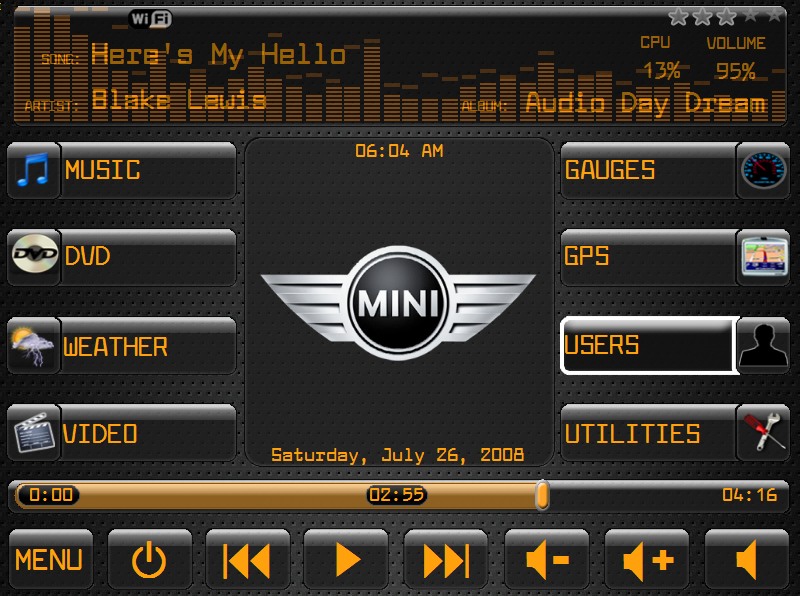
The front-end I chose is an open-source Windows project called RoadRunner. It interfaces with Winamp for audio (my audio player since way back in the day), has hooks into several of the available GPS programs (but especially the one I planned on using), and has a decent-sized community of users developing skins and plugins for it. Perhaps most importantly, it’s free.
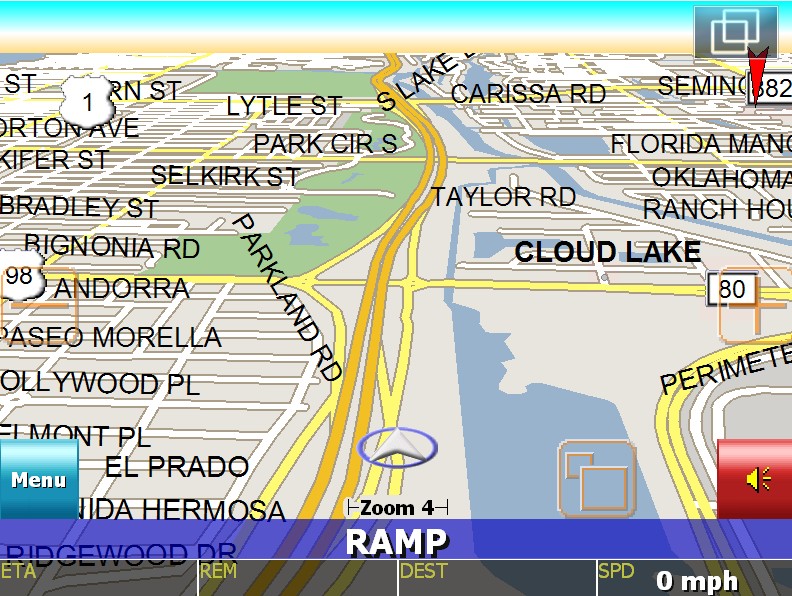
Speaking of the GPS software I planned on using, it was not free, but I can’t imagine any good GPS software ever being free, given that current street maps usually have to be acquired (bought) from some kind of mapping service. I went with iGuidance, which from the discussion on mp3car.com seemed to be one of the best for mobile mapping and remapping. I anticipated missing a few turns over the course of the tour, and wanted a program that could quickly reroute me without me needing to pull over and reconfigure something.
RoadRunner was going to provide the entire experience of carputing, so I also wanted it to look pretty awesome too. The default was nice but could be improved upon. I found a few places where I could get “skins” for it – some of them providing significant additional functionality. I ended up picking a very thorough and involved skin called Digital FX, which was developed by a friggin’ excellent skin developer for RoadRunner who goes by the online moniker JohnWPB.
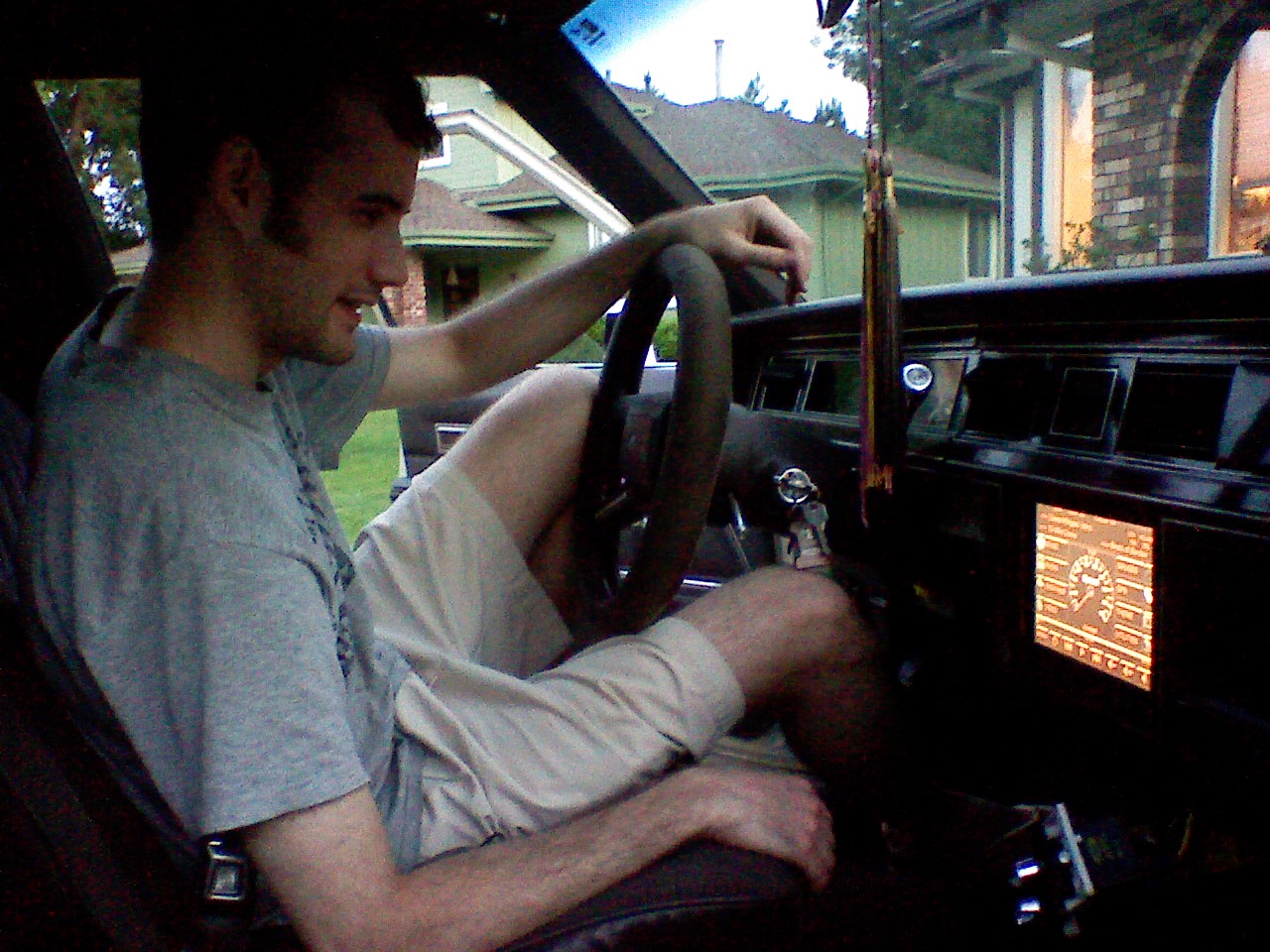
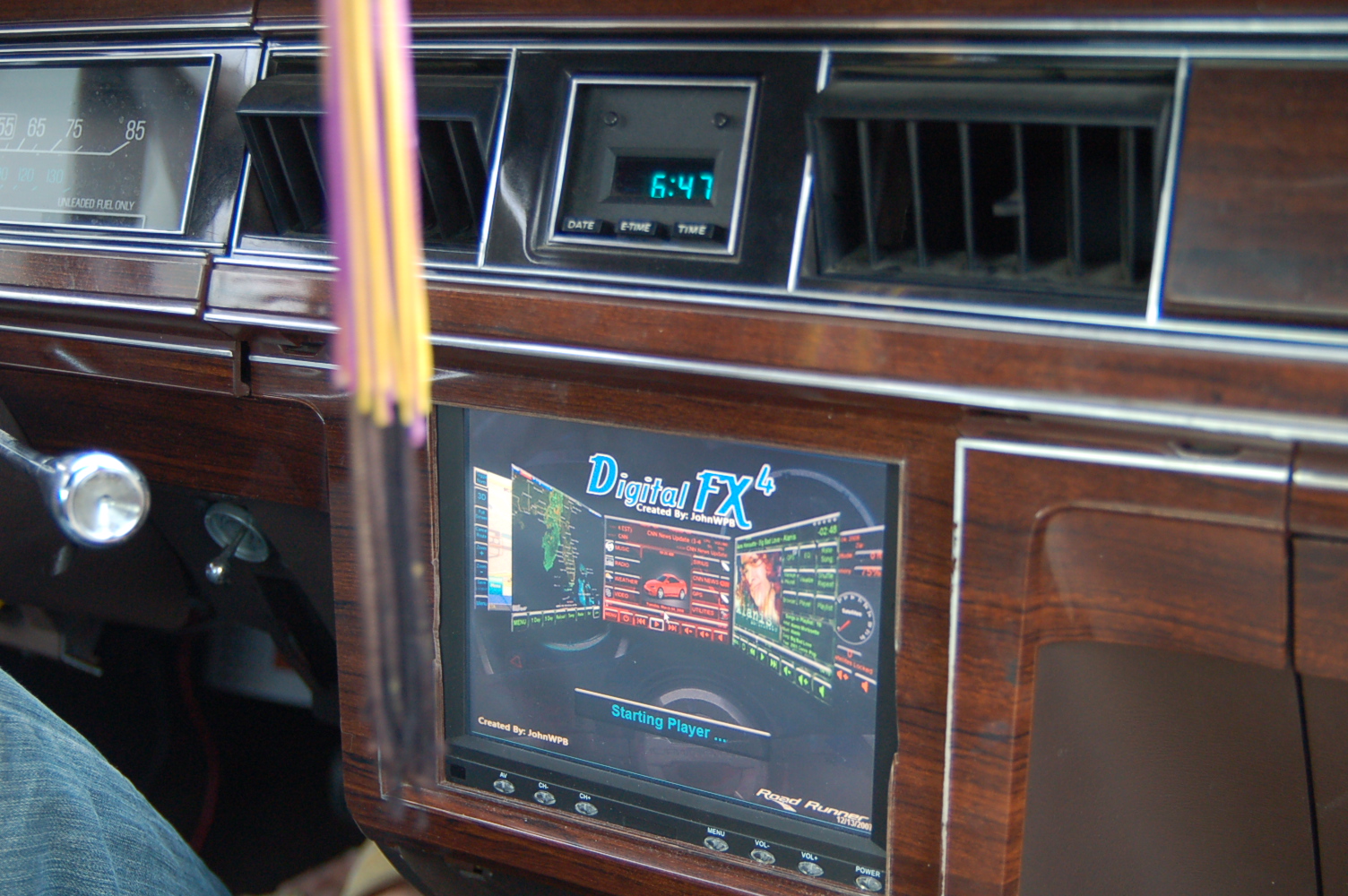
To get RoadRunner and iGuidance to play nicely together, I also needed to install a tiny little utility called XPort, which essentially duplicates the signals coming into a port onto a number of other runtime-generated ports. That way both RoadRunner and iGuidance could listen to the GPS receiver (RoadRunner with DigitalFX has some nifty GPS-based features (pictured above), like a compass, a very accurate speedometer, etc.).
Miscellaneous
Not much else was really needed. TinyXP came prebuilt with Firefox, but I have become an Opera zealot, so I installed that as well. I installed Flash player, then downgraded to what I had previously because the Flash-based RoadRunner started consuming significant CPU resources when using the newer Flash player. I may have installed VLC player and/or the K-Lite codec pack for watching videos (which I never got to work, actually, but video was never a priority for me).
It was fun firing up the carputer on the table and watching it boot directly to the frontend. One of the first things I did was go to my favorite text-to-speech site and make a wav file of the “Mike” voice (who, for reasons I will not explain here, I have named “Sam Leo”) saying “Welcome, Zach.” I then set this as the Windows startup sound. Imagine: car starts. Computer boots. “Welcome, Zach.” Awesome or what?
“Certainly not what!” cleverly chimes AG.
Haha, AG. It was also fun watching the GPS whir to life and tell me that even though I was physically inside my house, in order to get to my house, I would have to drive around the block.
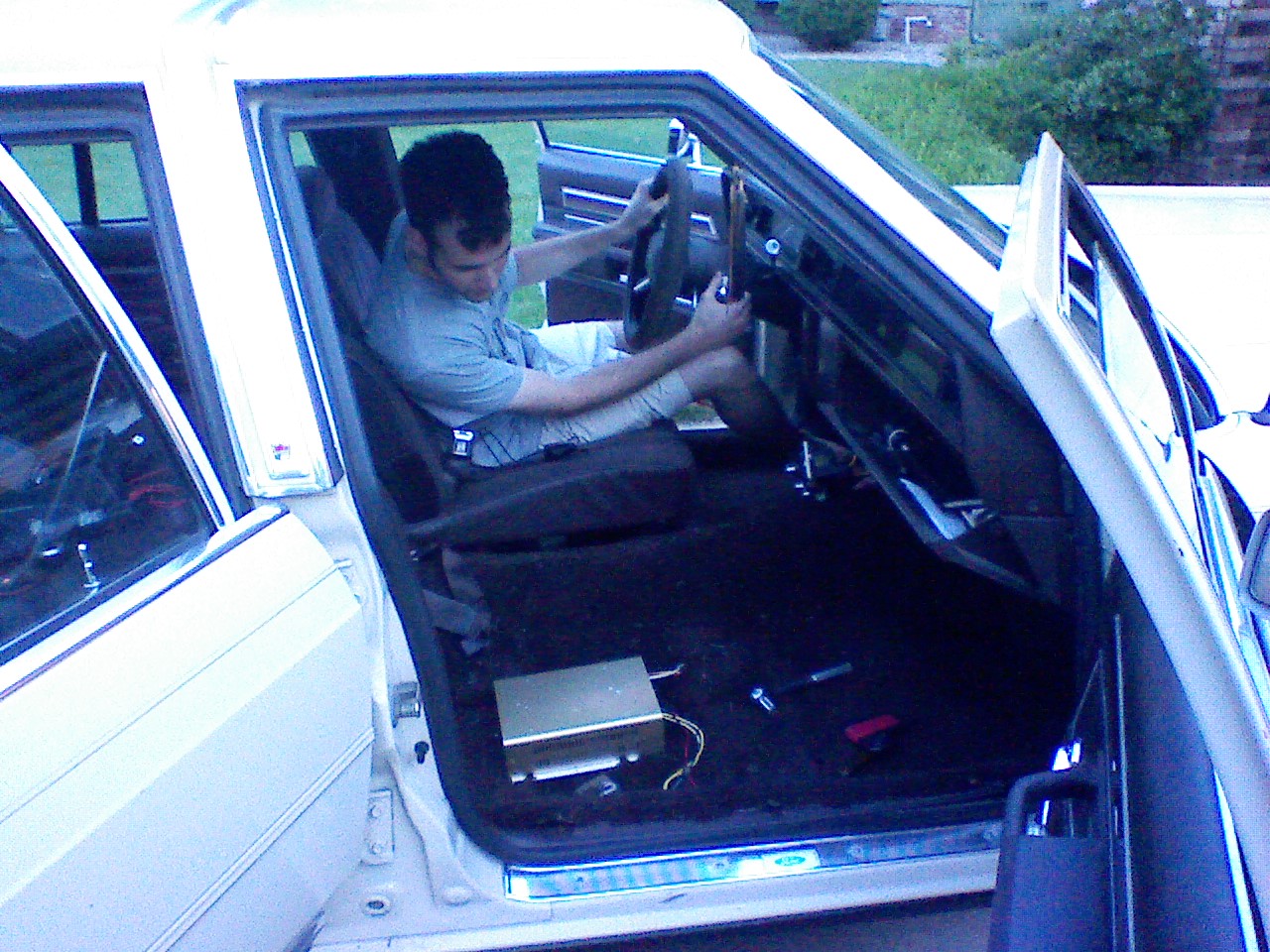
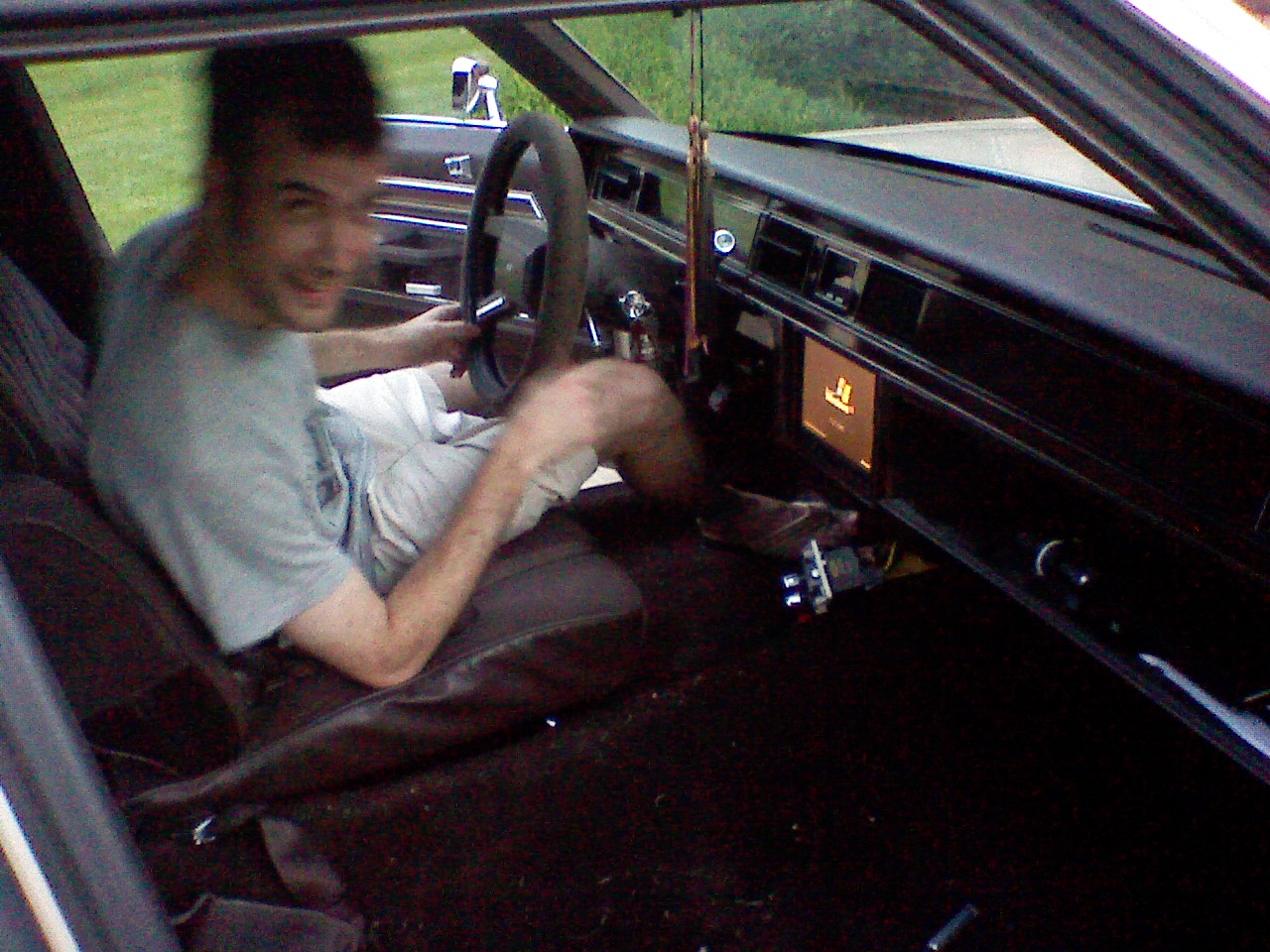
A strong urge to attach wheels to the table and push it around the house, in order to watch the GPS update my position, made me realize it was time to finally install the thing in my car.
NEXT! CARPUTER: THE INSTALLATION!
Wind Generators and General Windiness
It has been quite some time since I wrote the previous post. No doubt some loyal readers were wondering such things as:
- “Did Zach just stay in Utah forever?”
- “Did Zach ever install his carputer or did he only assemble it?”
- “Did Zach actually, in fact, die?”
- “If I had a nickel for every blog post apologizing for not updating frequently enough, how much money would I have?”
- “Is this project ever going to be finished?”
- “What’s for lunch?”
I apologize first for making you ask those questions, second for waiting so long to answer them, and third for not giving you a single nickel for this very apology. Because these questions do have answers. Answers such as ‘no’, ‘yes’, ‘no’, ‘more than enough to pay for the rest of my gas’, ‘definitely’, and ‘delicious sushi with a glass of Oolong tea!’
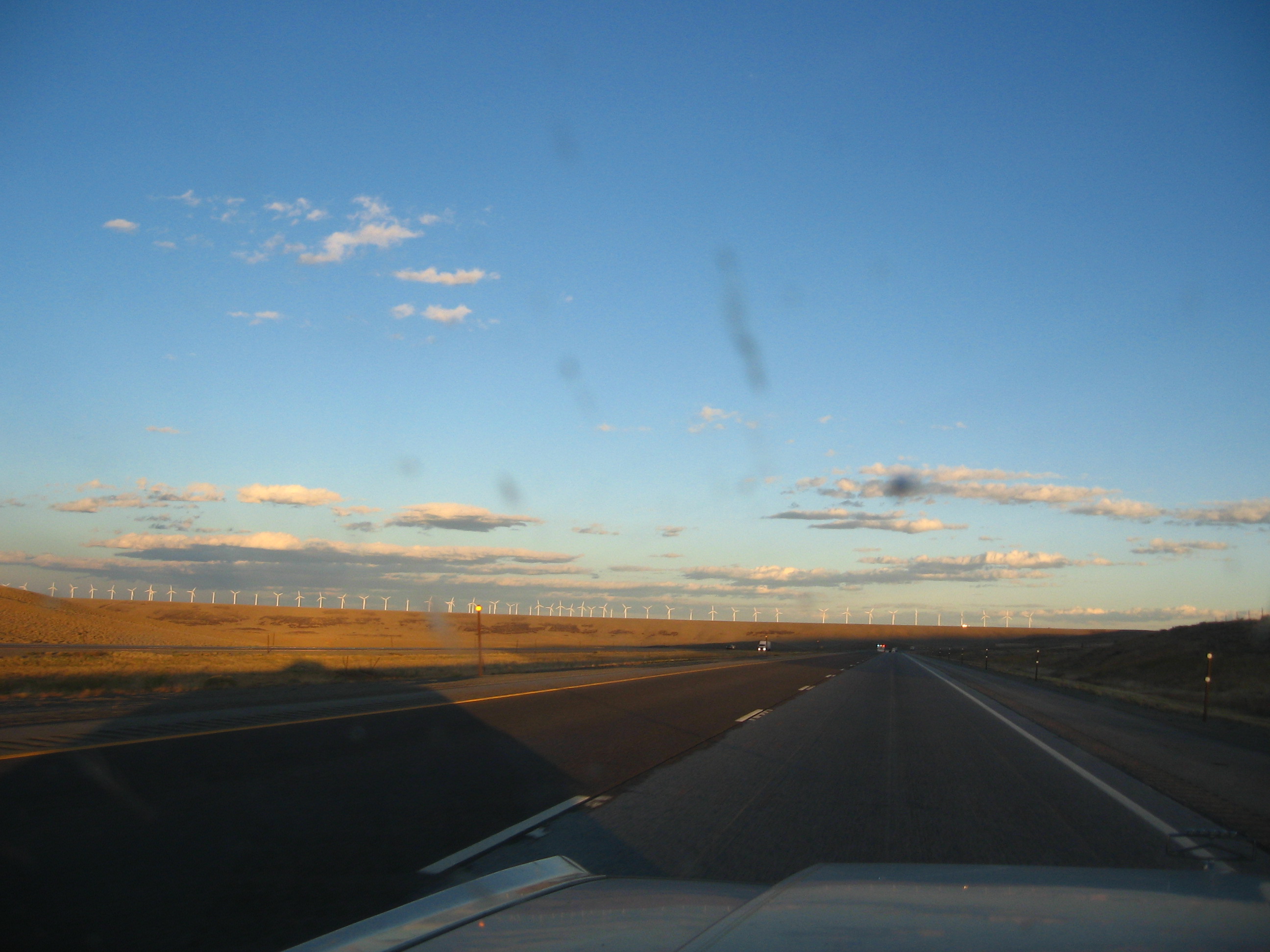
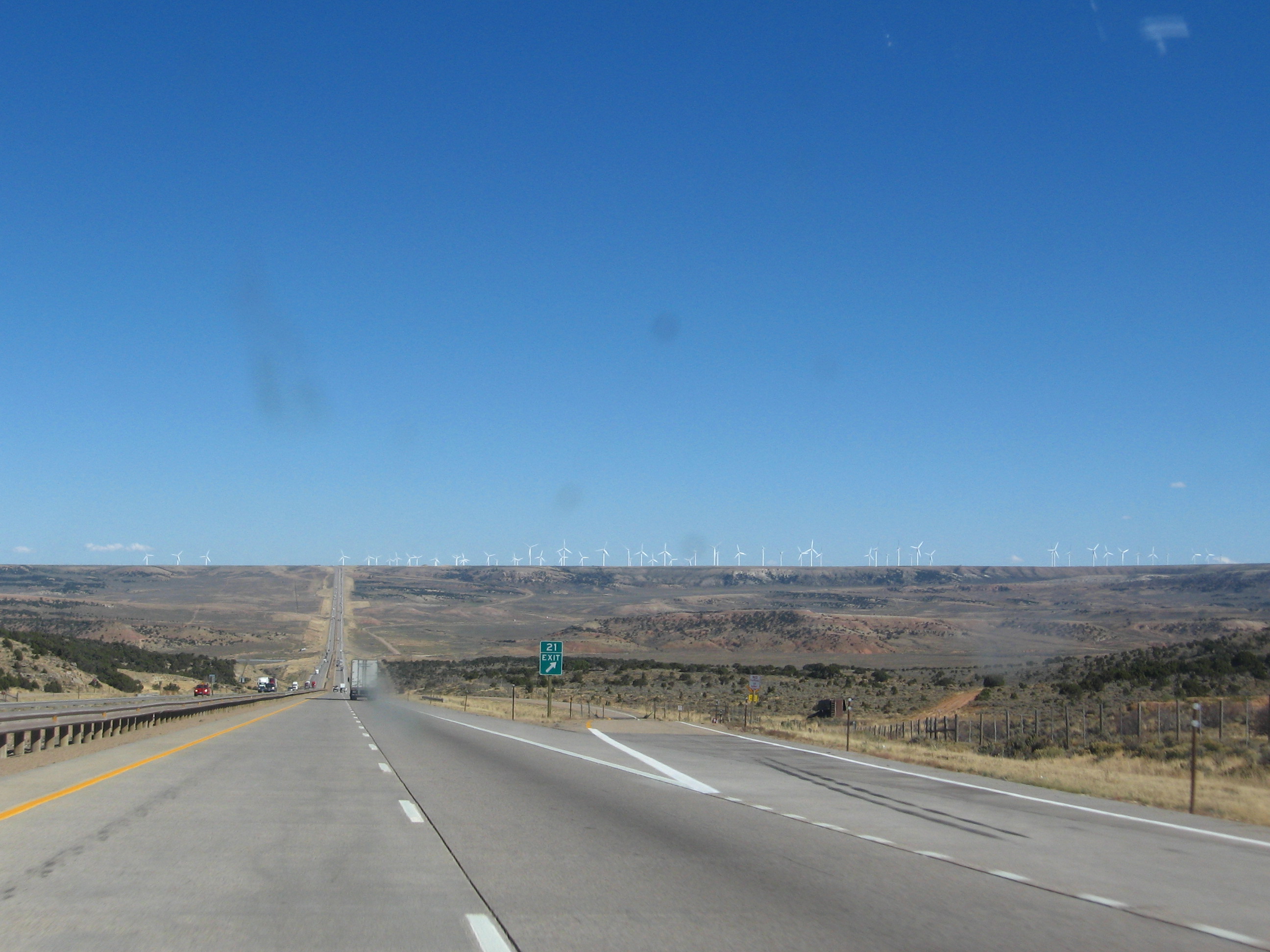
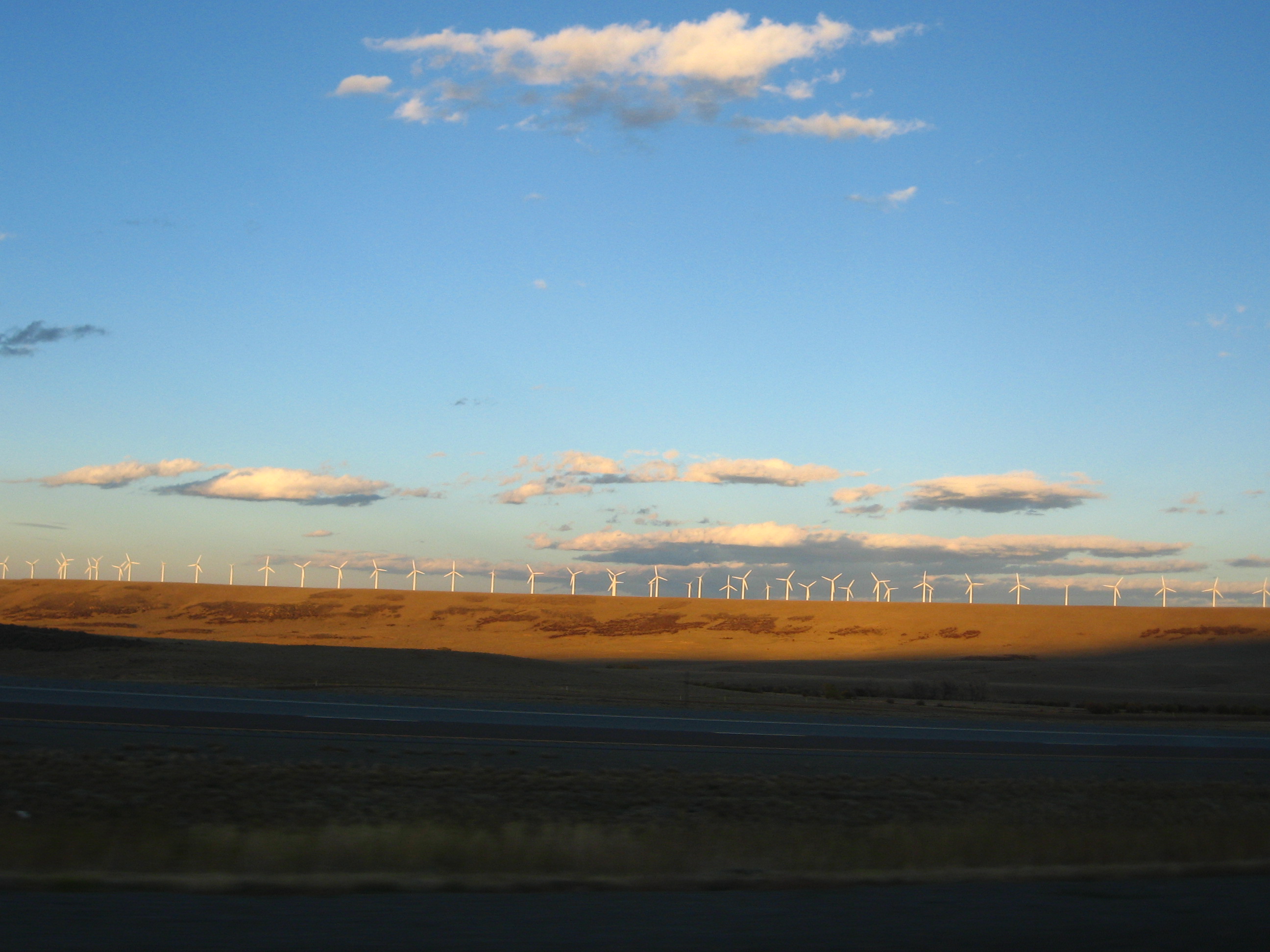
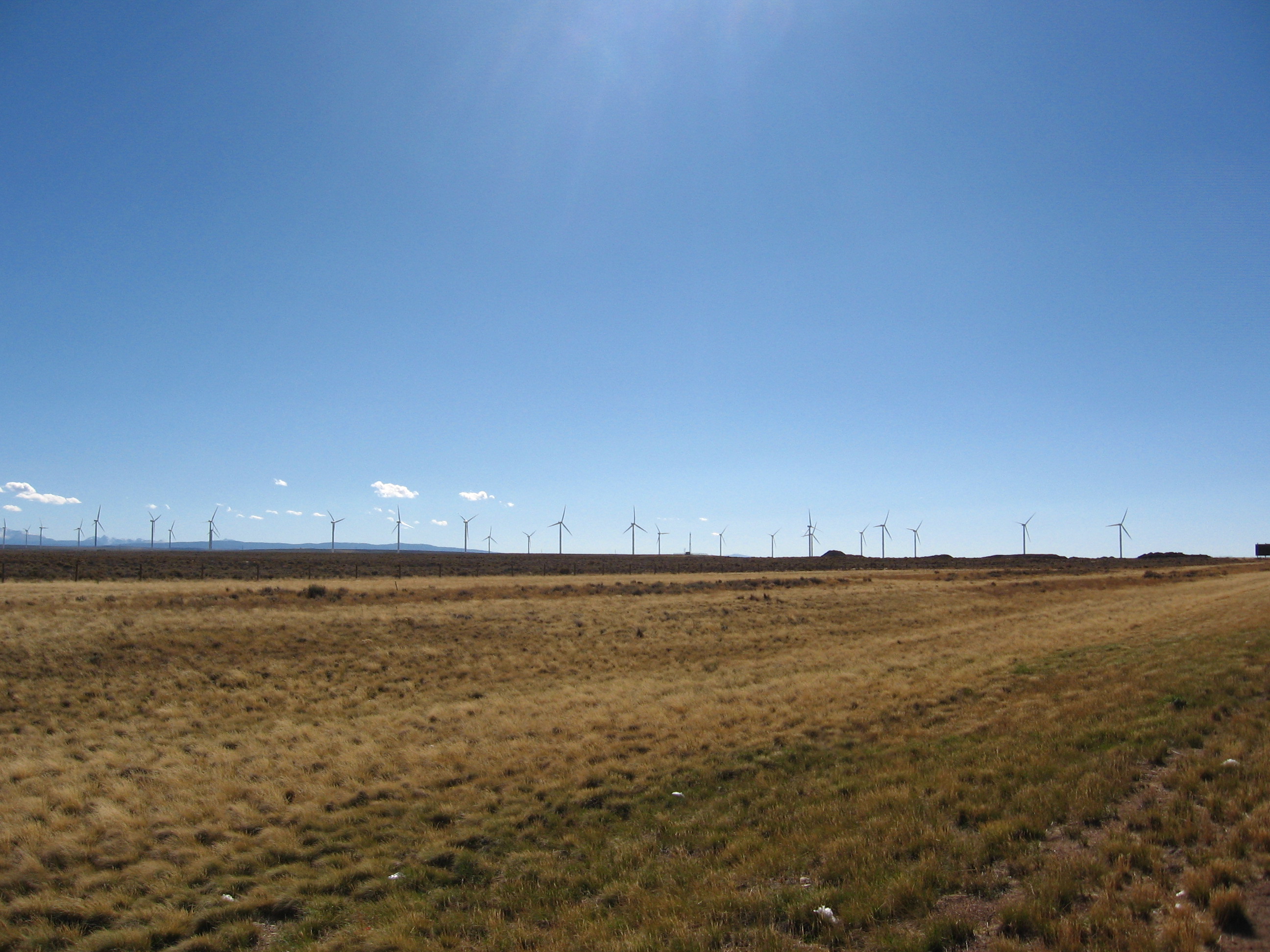
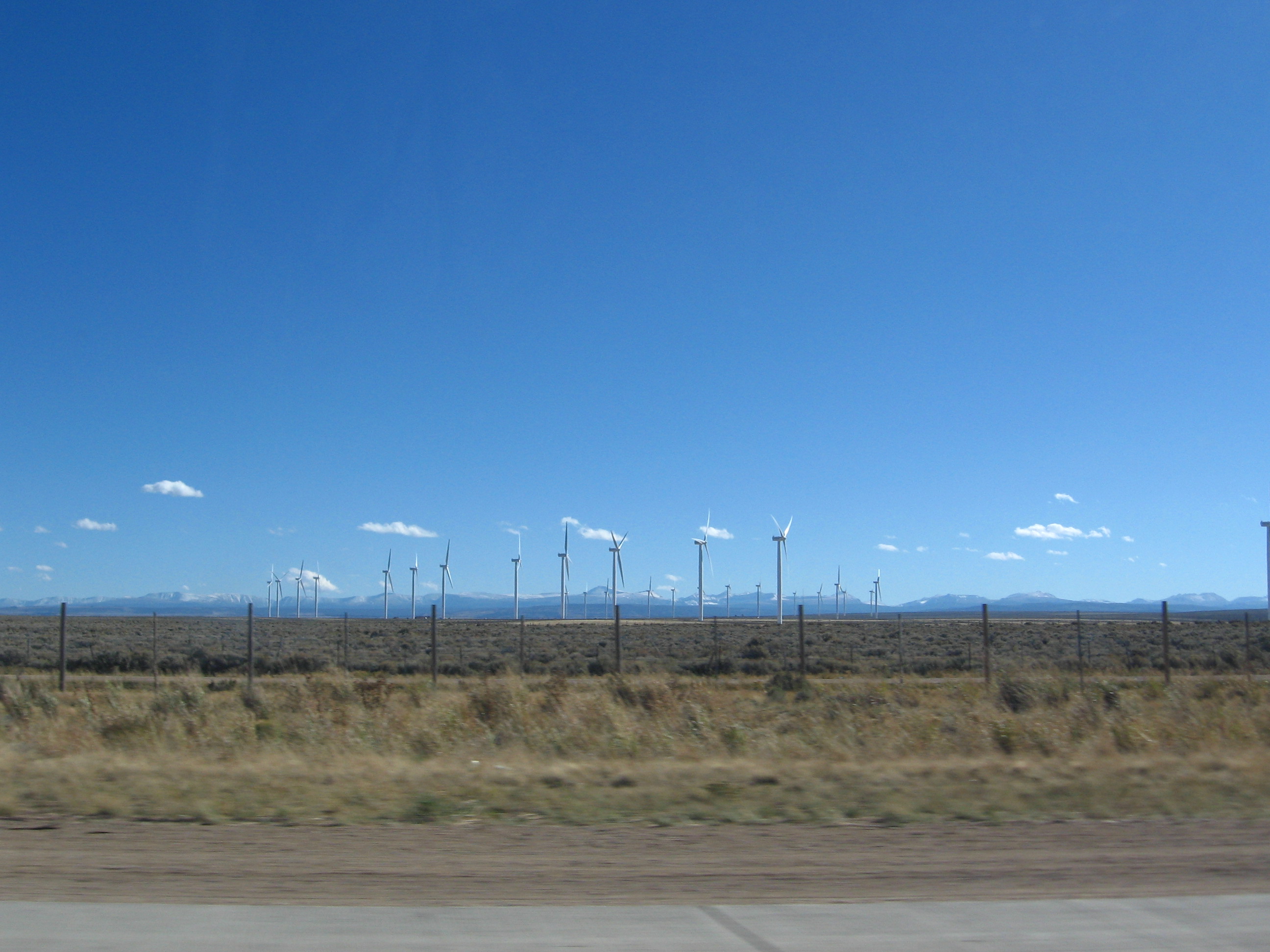
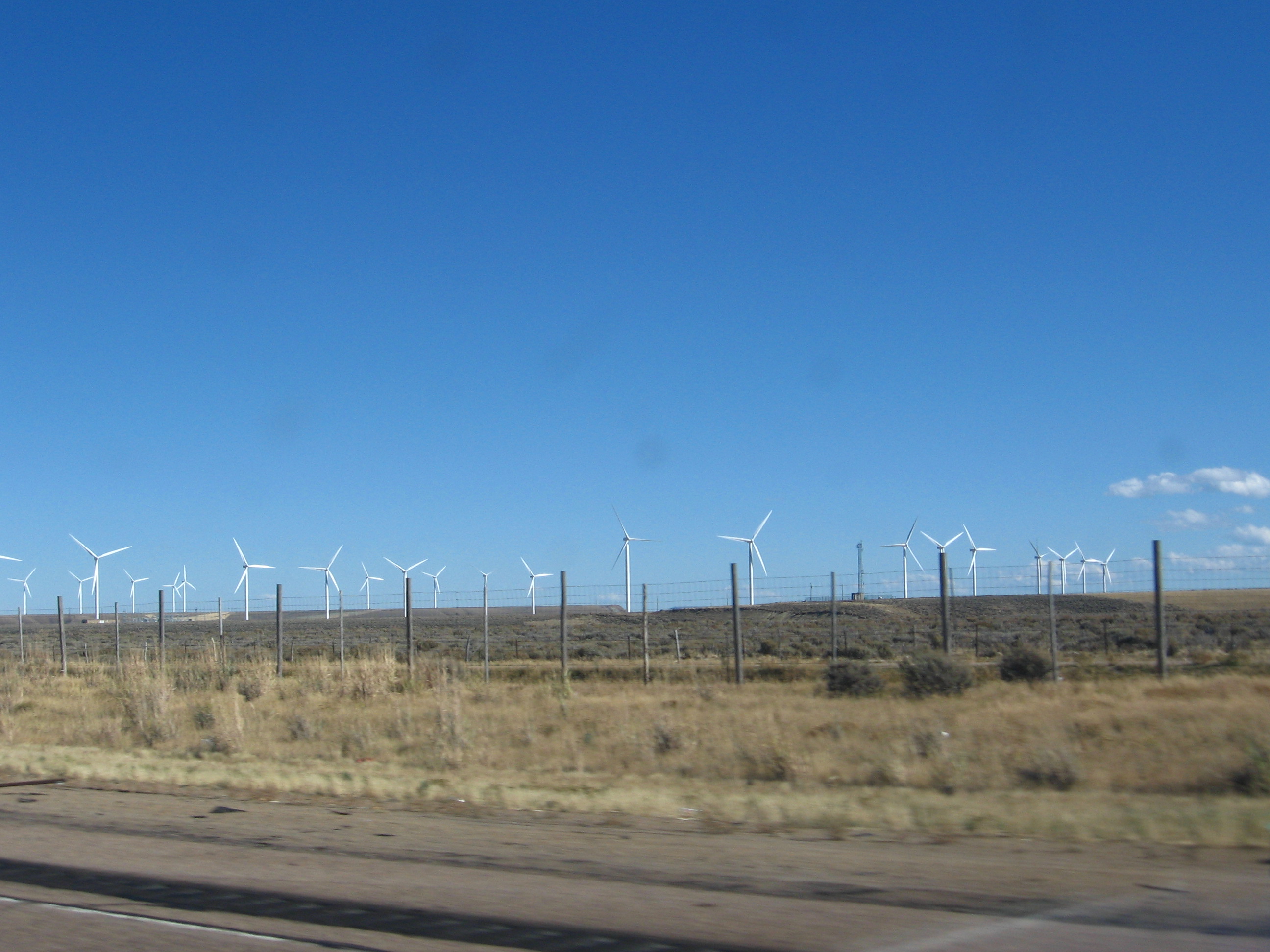
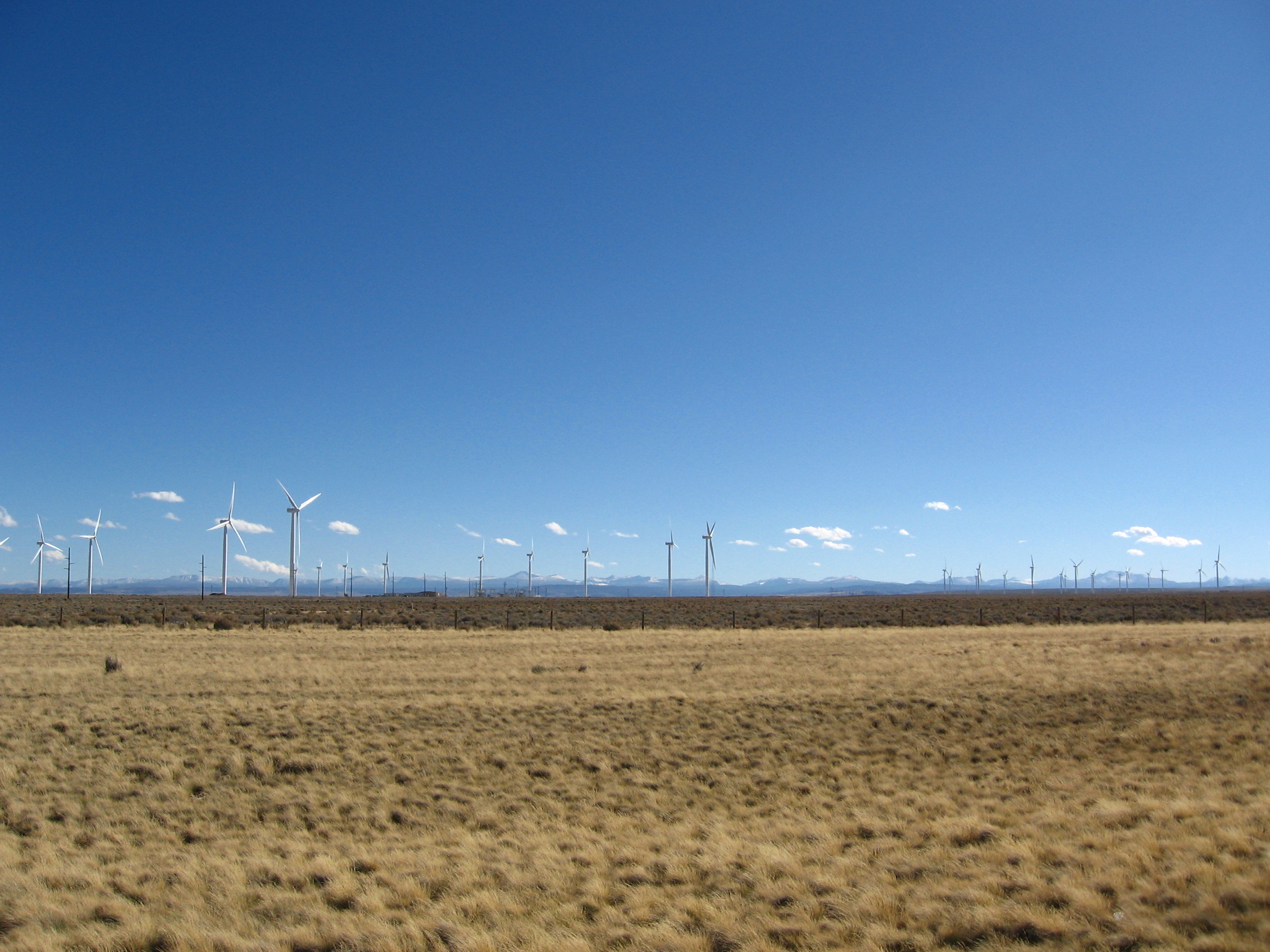
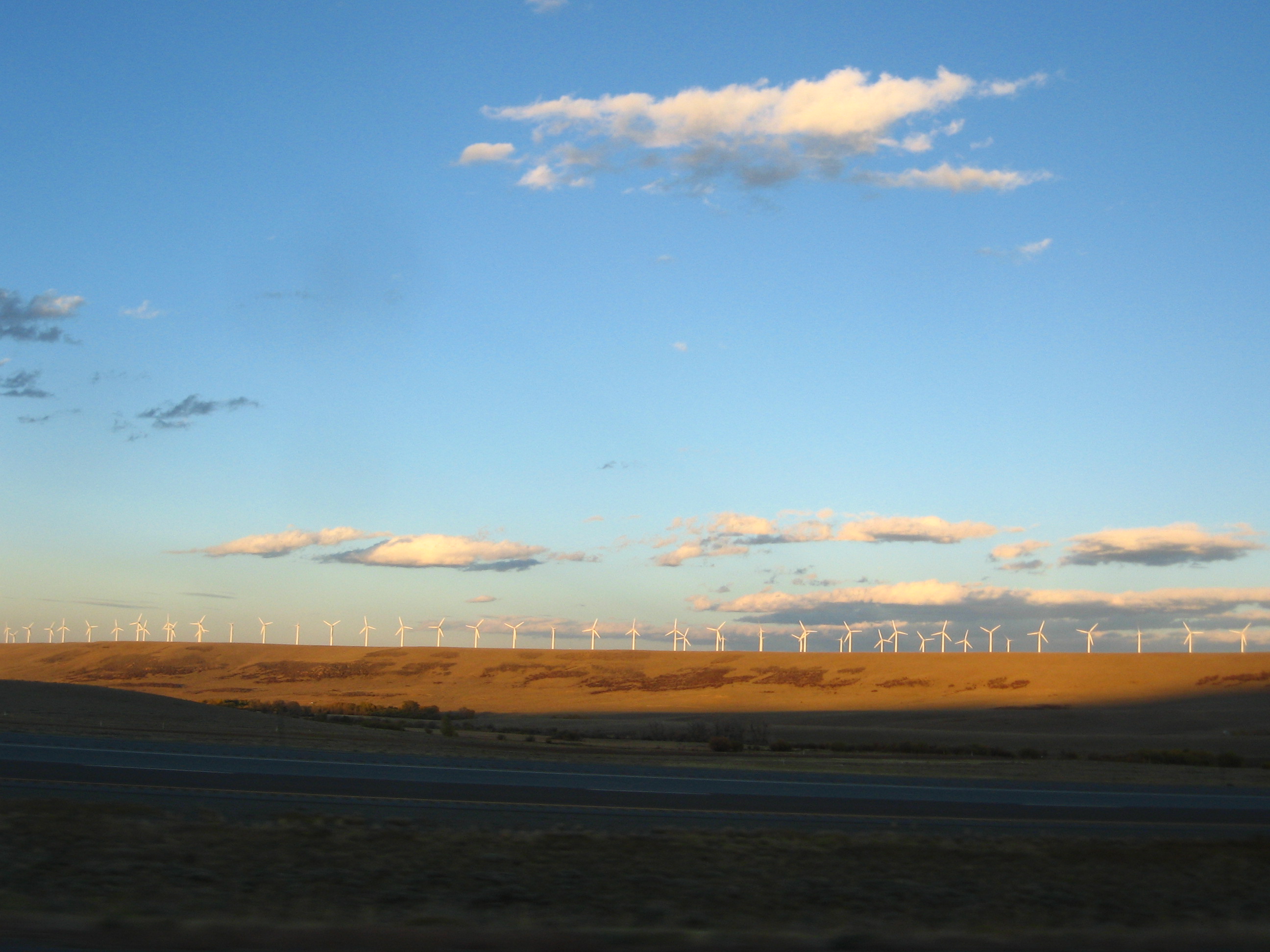
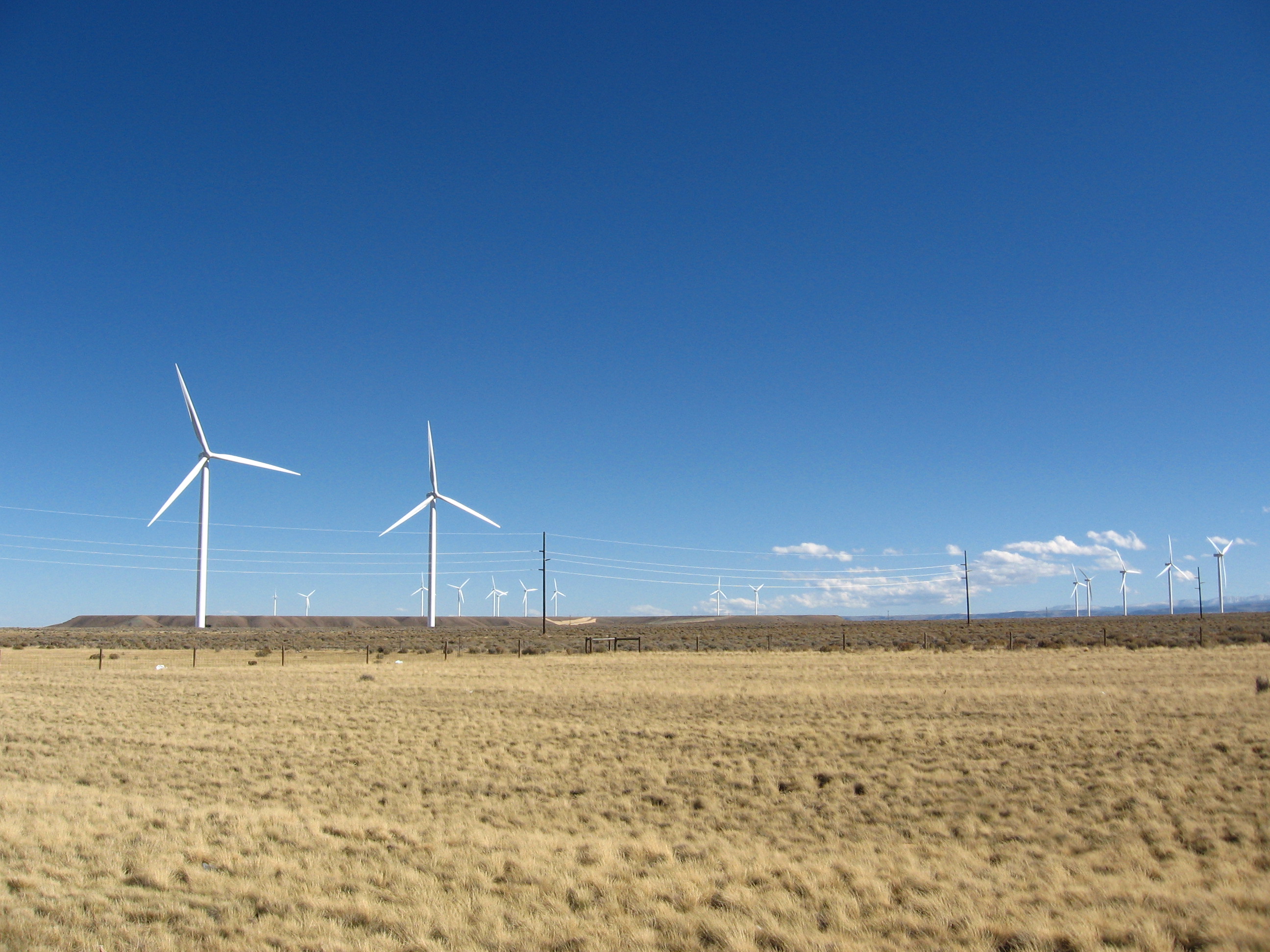
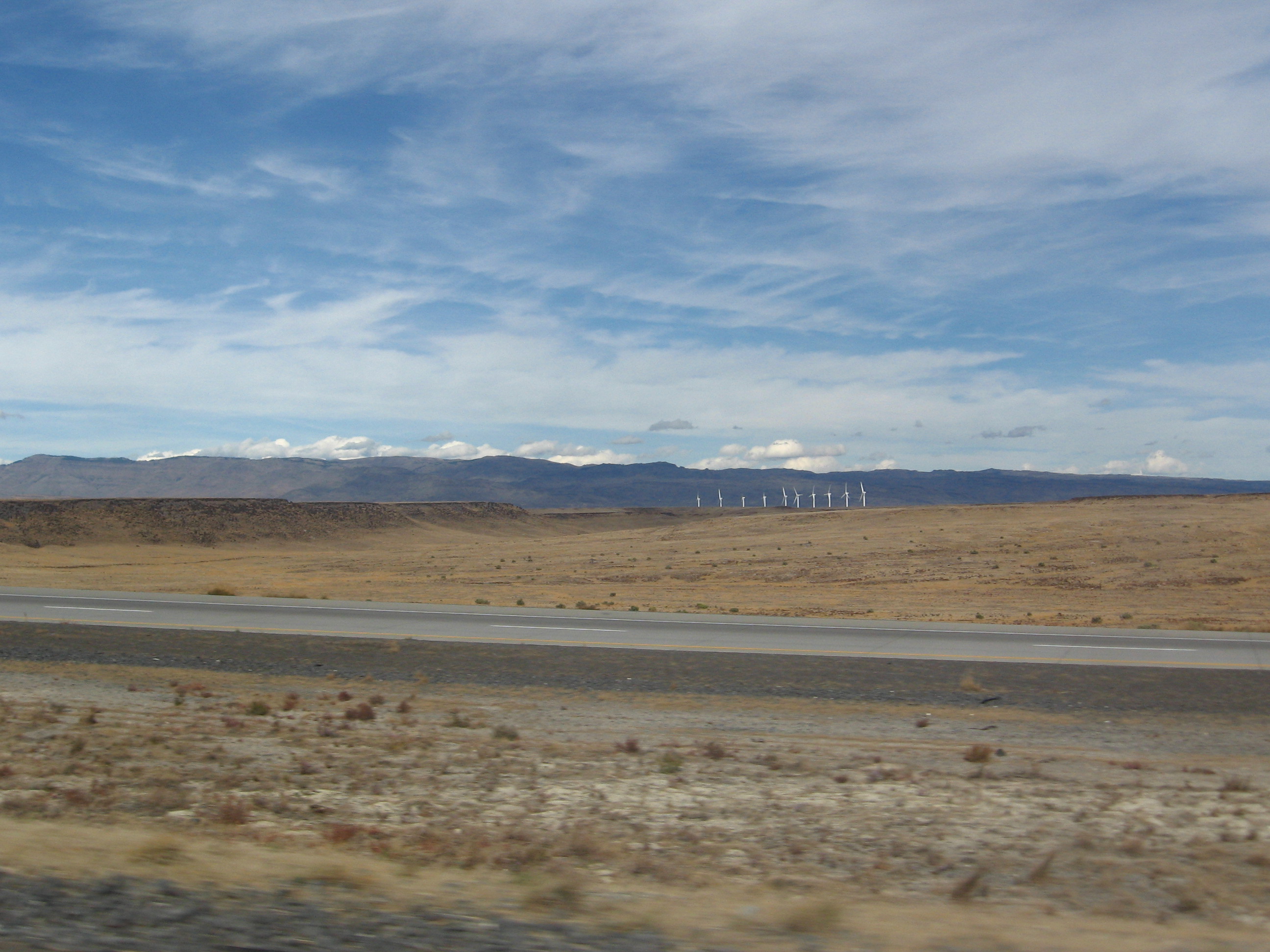
Which ties in nicely to what I was wondering about as I drove out of Utah, very alive and full from a delicious lunch, to continue my amazing project: wind generators. It so happens that I ran across a couple of them on my way.
Okay, it so happens that I ran across a friggin’ slew of them.
What was the world like before we had wind generators? What was the world’s weather like with so much less wind? Did we have clouds or only fog? Was the Midwest still windier than the rest of the US?
Most of the world’s wind generators are located on “wind farms,” huge wind-producing complexes of wind generators, which are also often located close to actual farms. The reason for this is that wind farms, with their ability to generate wind in just about any direction, can effectually control the weather – of course, their direct influence on the weather fades quickly with distance, but the effect is, of course, worldwide (a la butterfly effect). Amazing, what mankind has wrought.
Then I thought about Chicago, dubbed “The Windy City” long before the advent of these marvelous weather-influencing machines. That was a different type of wind, however.
And I felt inspired by both types of wind. Wind. Wind carries the seeds of life from one place to another. Wind makes waves, affecting even the underwater world it cannot directly touch. Wind pollinates plants, carries whispers, lifts the eagle high into the sky, fills a boat’s sails and gives it motion. Wind turns the weathervane of change, and blows the dust from the old and stagnant. The wind completely shapes the unplanted desert, and can wear down even rock with its persistence. Wind.
And wind generators, though manmade, are one source of this wind, this agent of life, transportation, and change. And I too can be a wind generator! I will blow my trump and sound my horn and smack my drum to the beat of a different drummer, drumming together with 100 different friends from different cities and cultures. I will carry the seeds of music to places they have never been carried. I will blow a wind that has never been blown. I will bring music around the world and bounce the music of one man off another’s until all the world has connected their ideas in one big celebratory web of human experience.
I believe strongly that music is a language common to all humanity (one of very few such languages), and is therefore something remarkable and unique. With my Recording Tour of Love, I want to promote inter-cultural dialog to an extent impossible using traditional languages. With the wind of this project, I will blow the world together in a collaborative effort heretofore unseen.
Things like this go through my head all the time, I just don’t often write about them because I’m too busy doing something about them.
“Um…”
What is it, Attractive Girl?
“You know that wind generators don’t actually generate wind, right?”
Yeah, so?
“Okay, just making sure.”
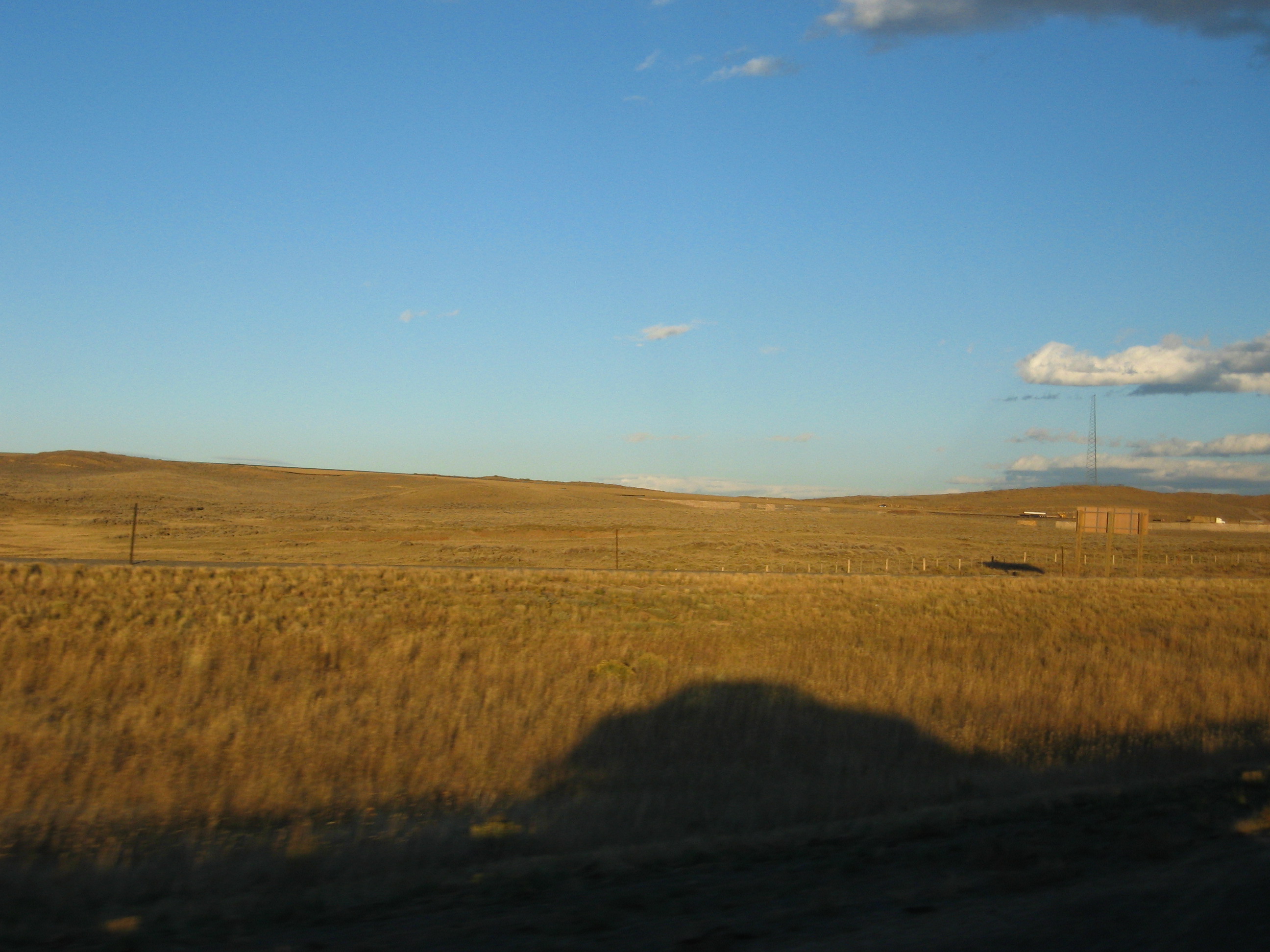
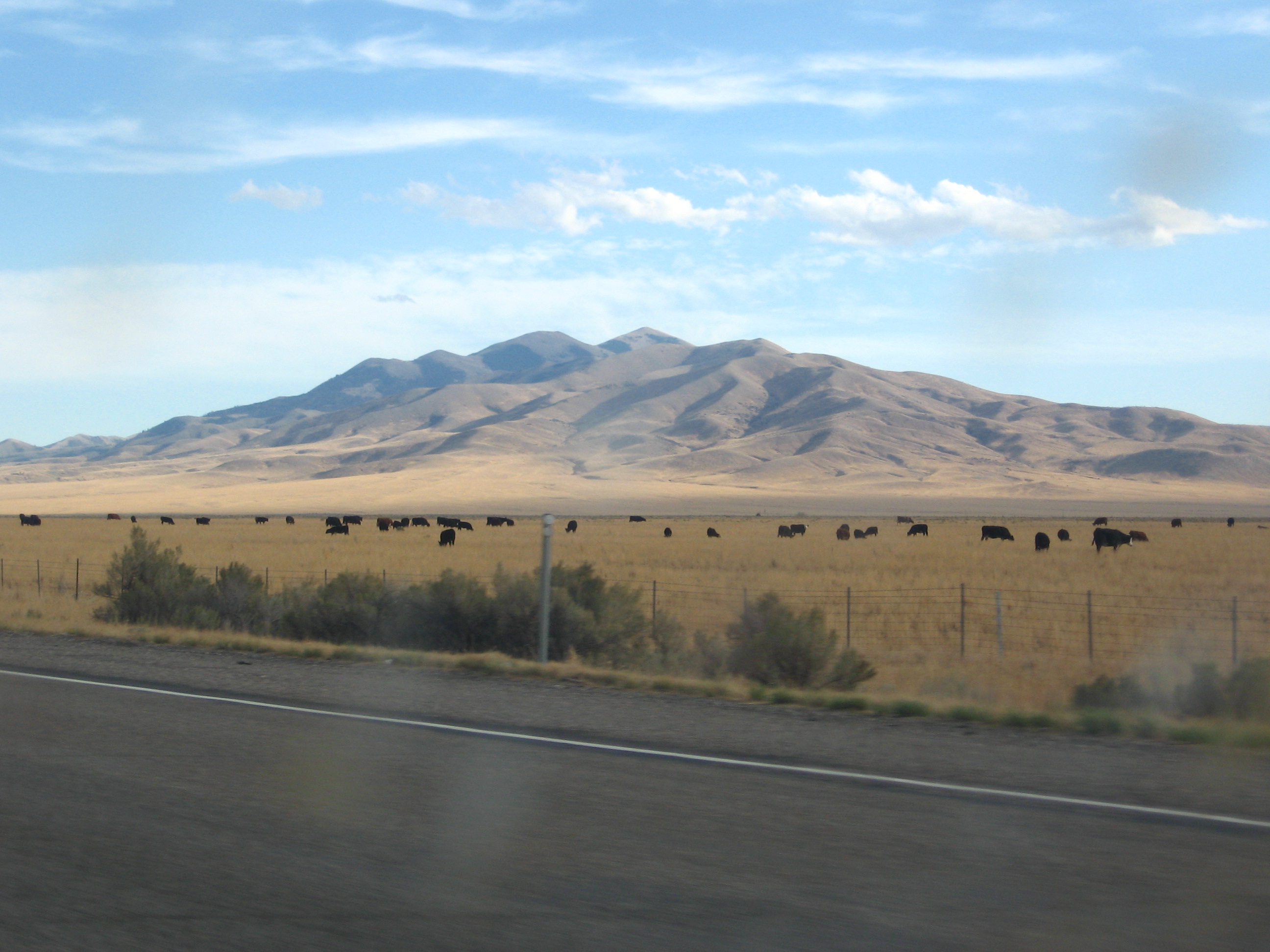
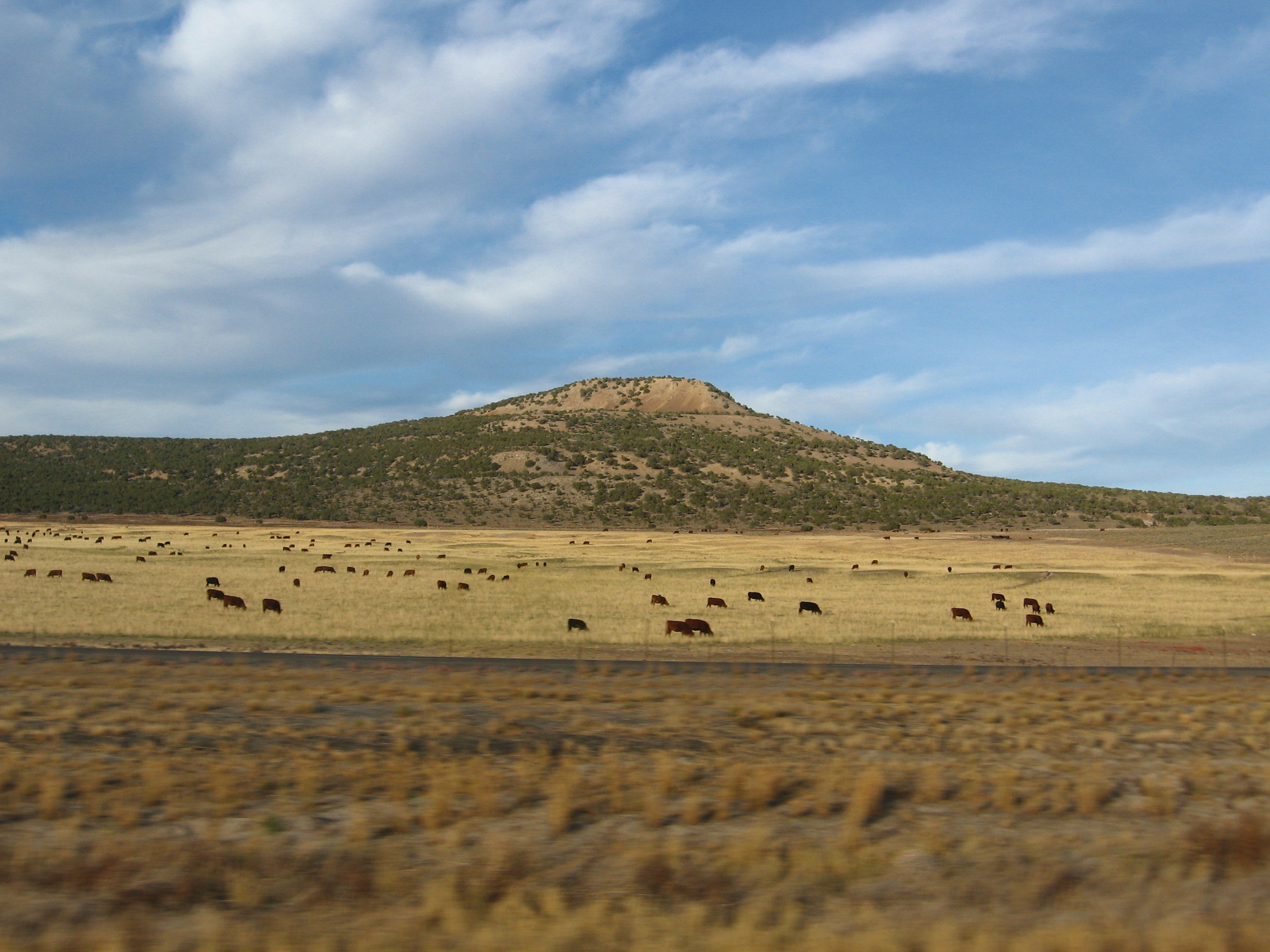
Soon I was out of Utah and on my way to Fort Collins. I was happy to say that getting out of the cattle region of Montana/Utah/Idaho also put this behind me:
NEXT: Carputer… PART DEUX!
Logan, UT
After recording in Idaho a couple posts ago, the next day found me leaving Mountain Home,
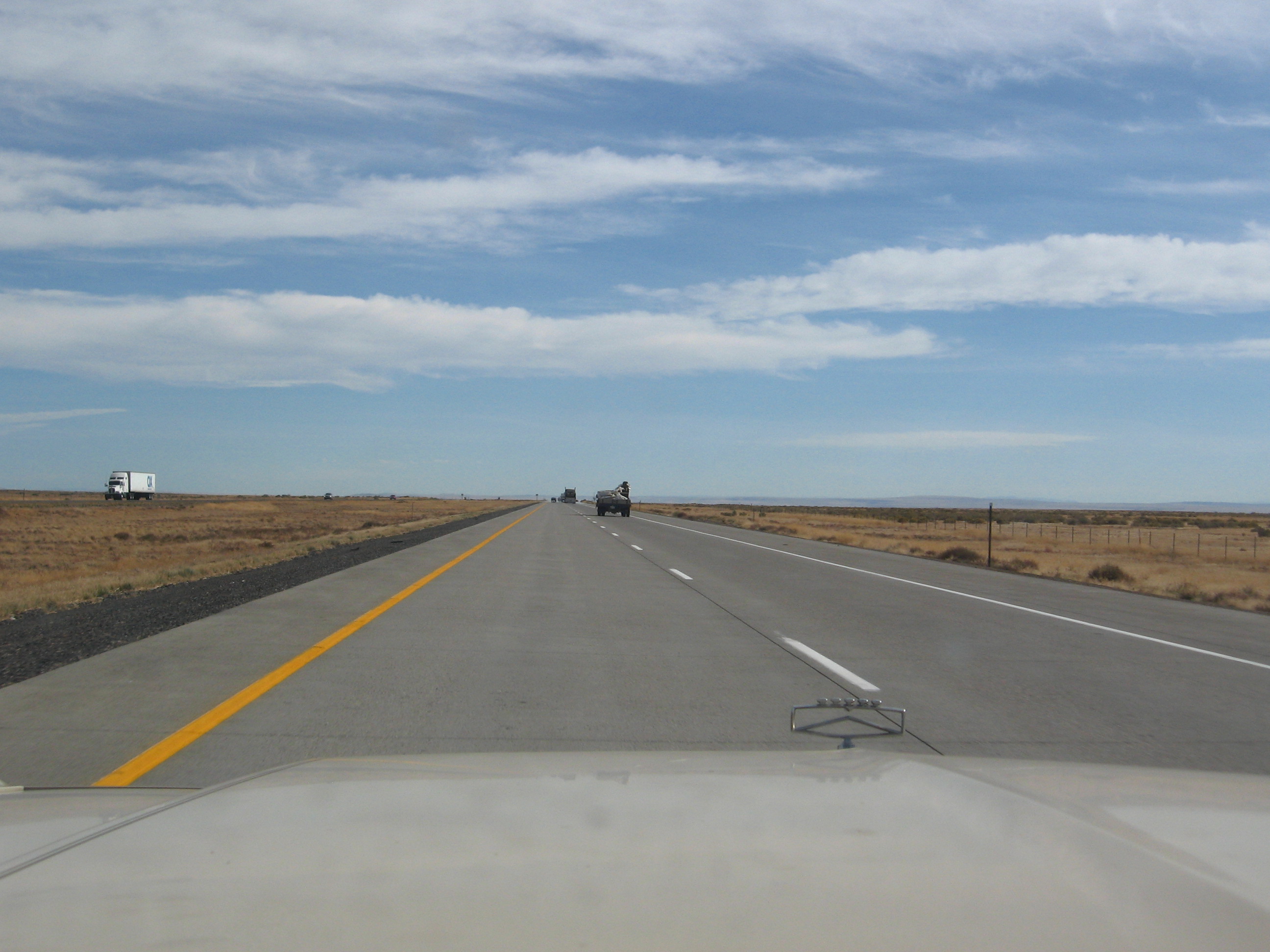
hopping on the highway,
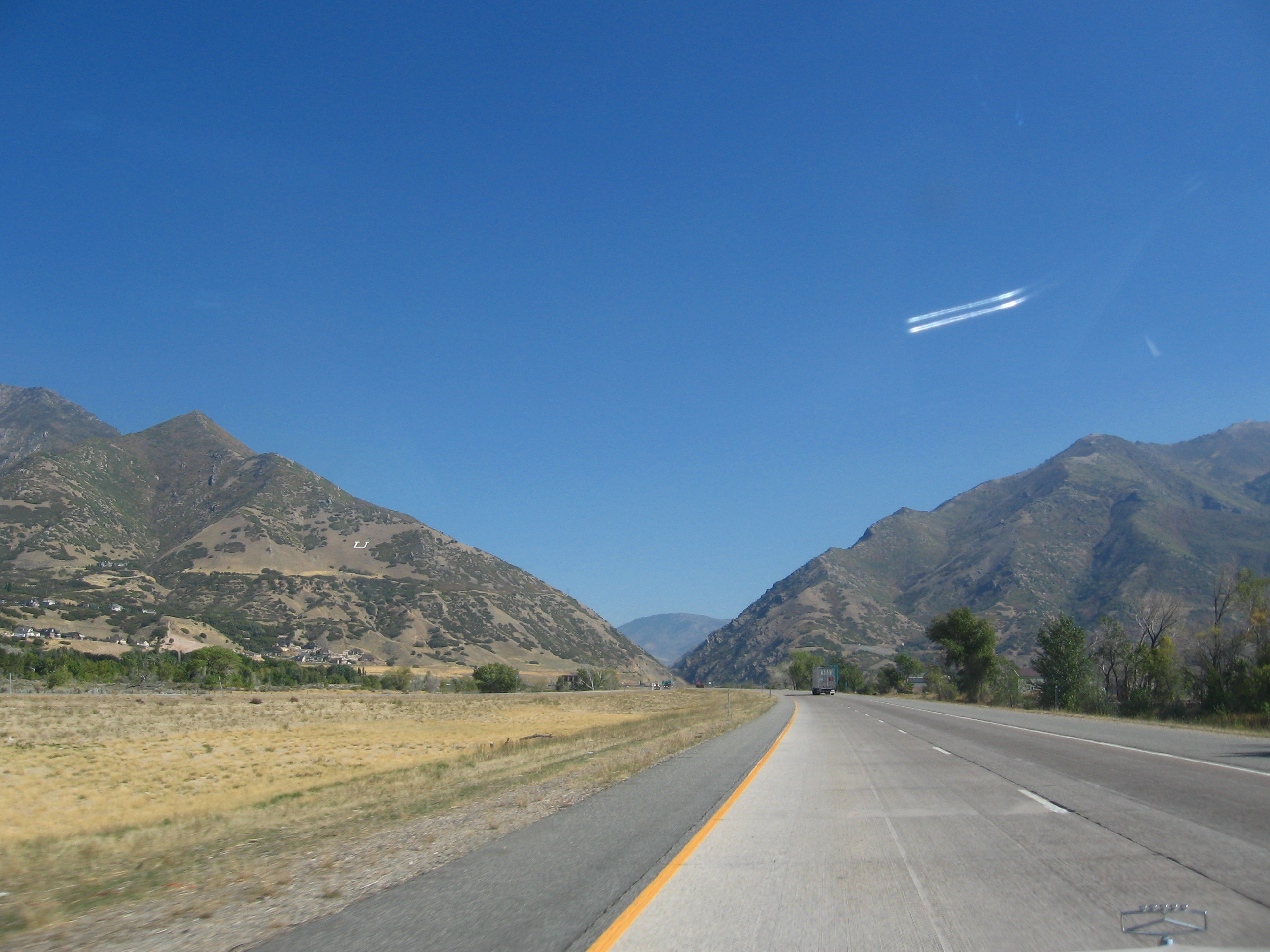
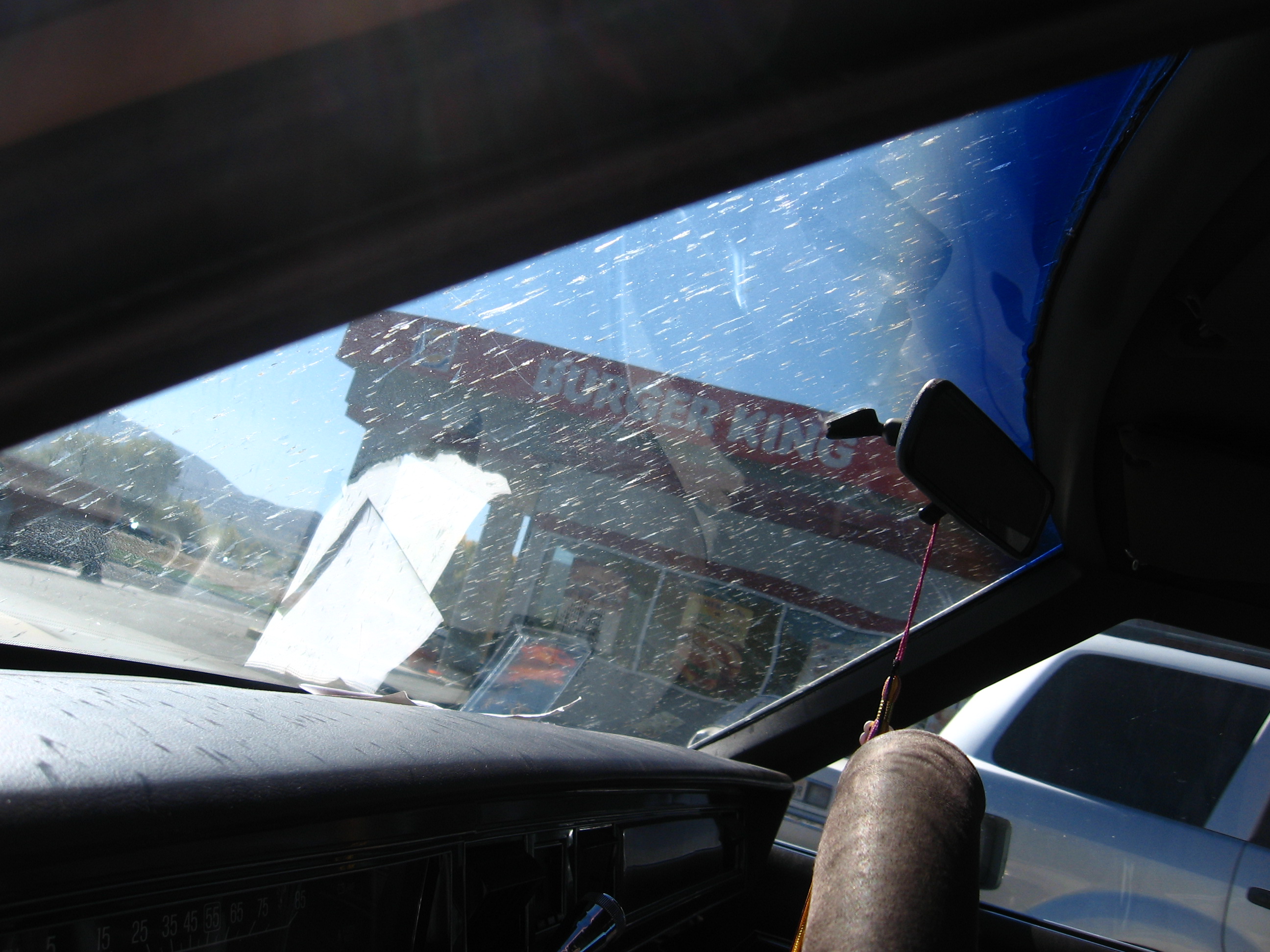
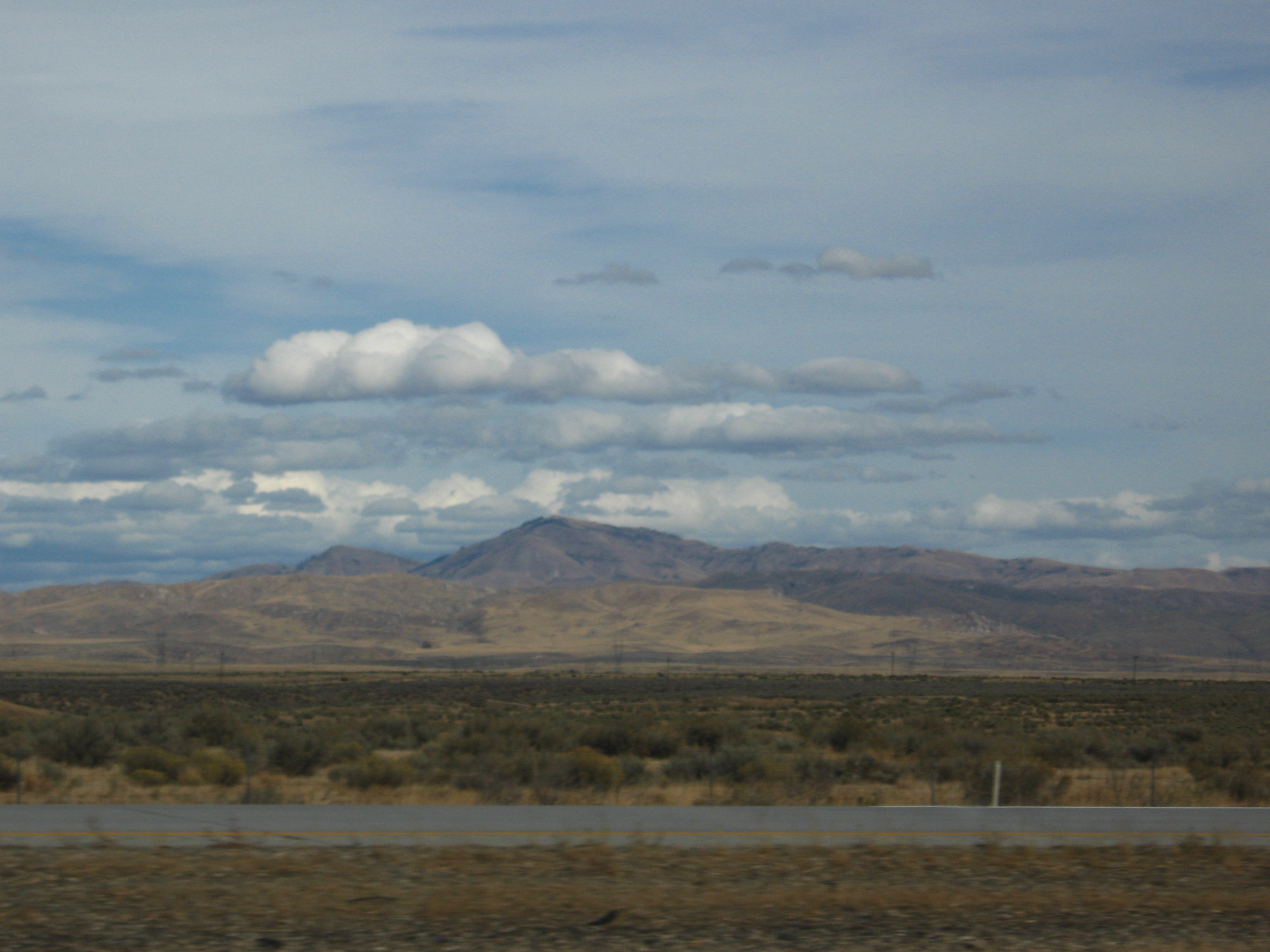
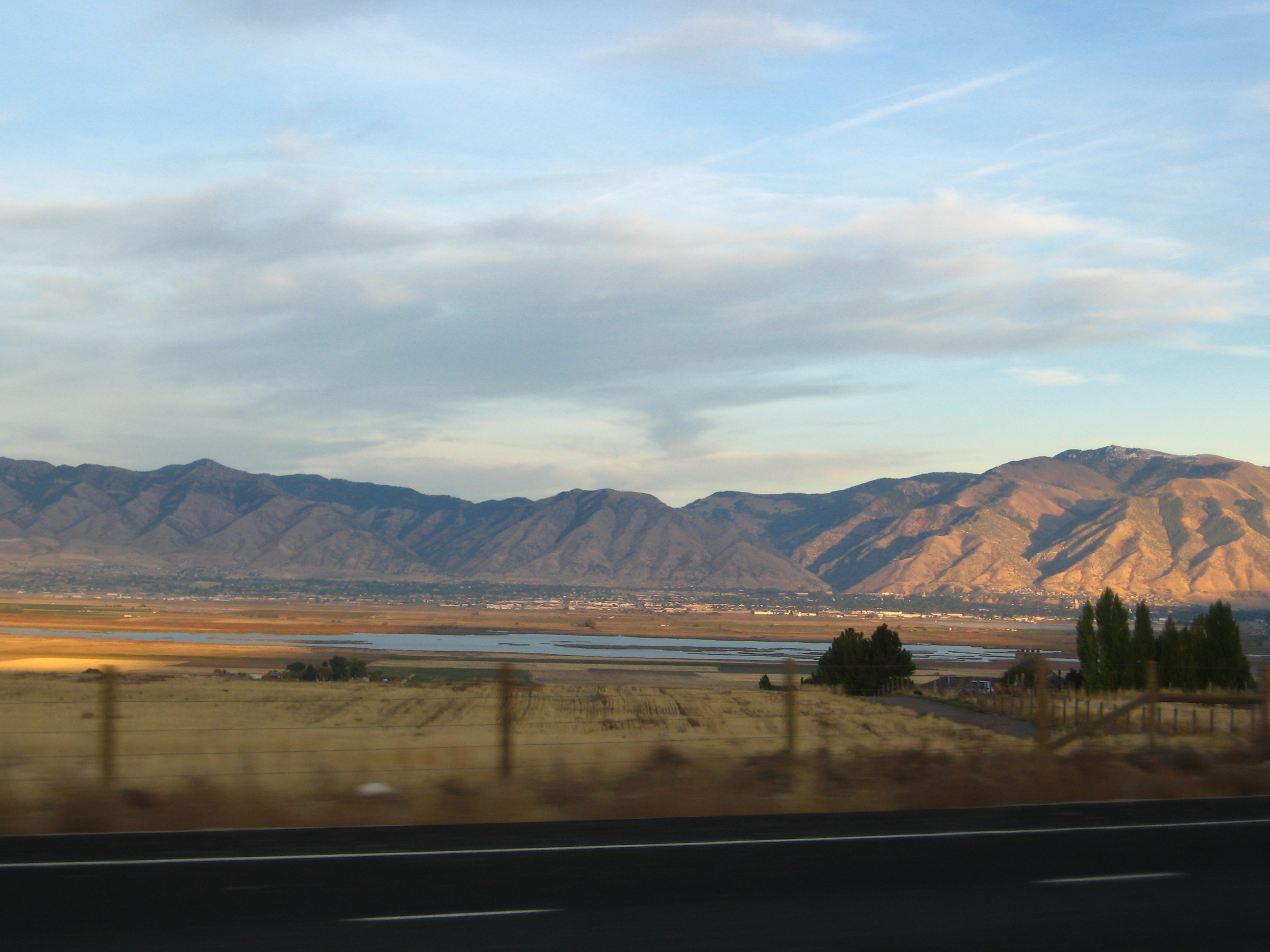
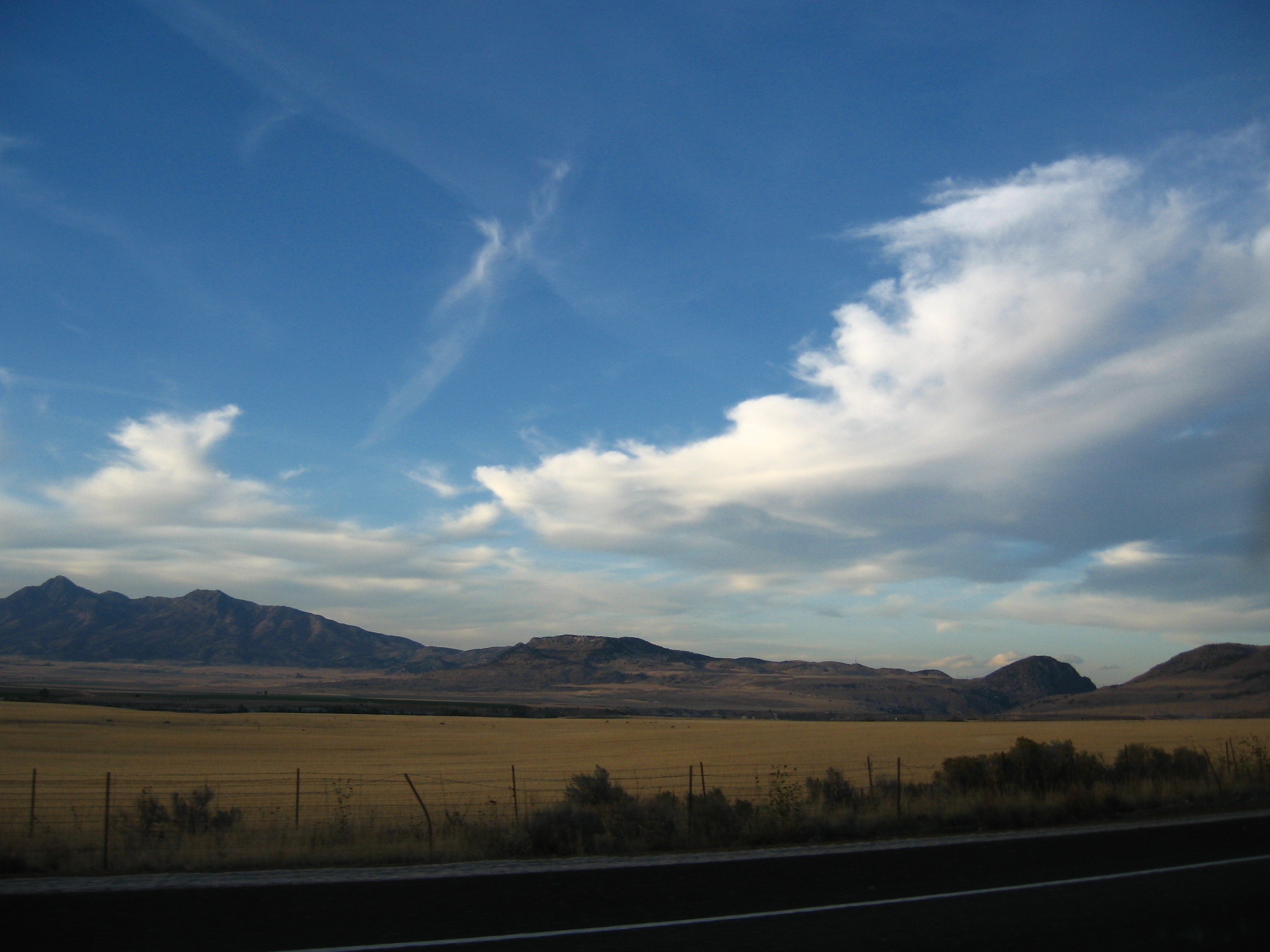
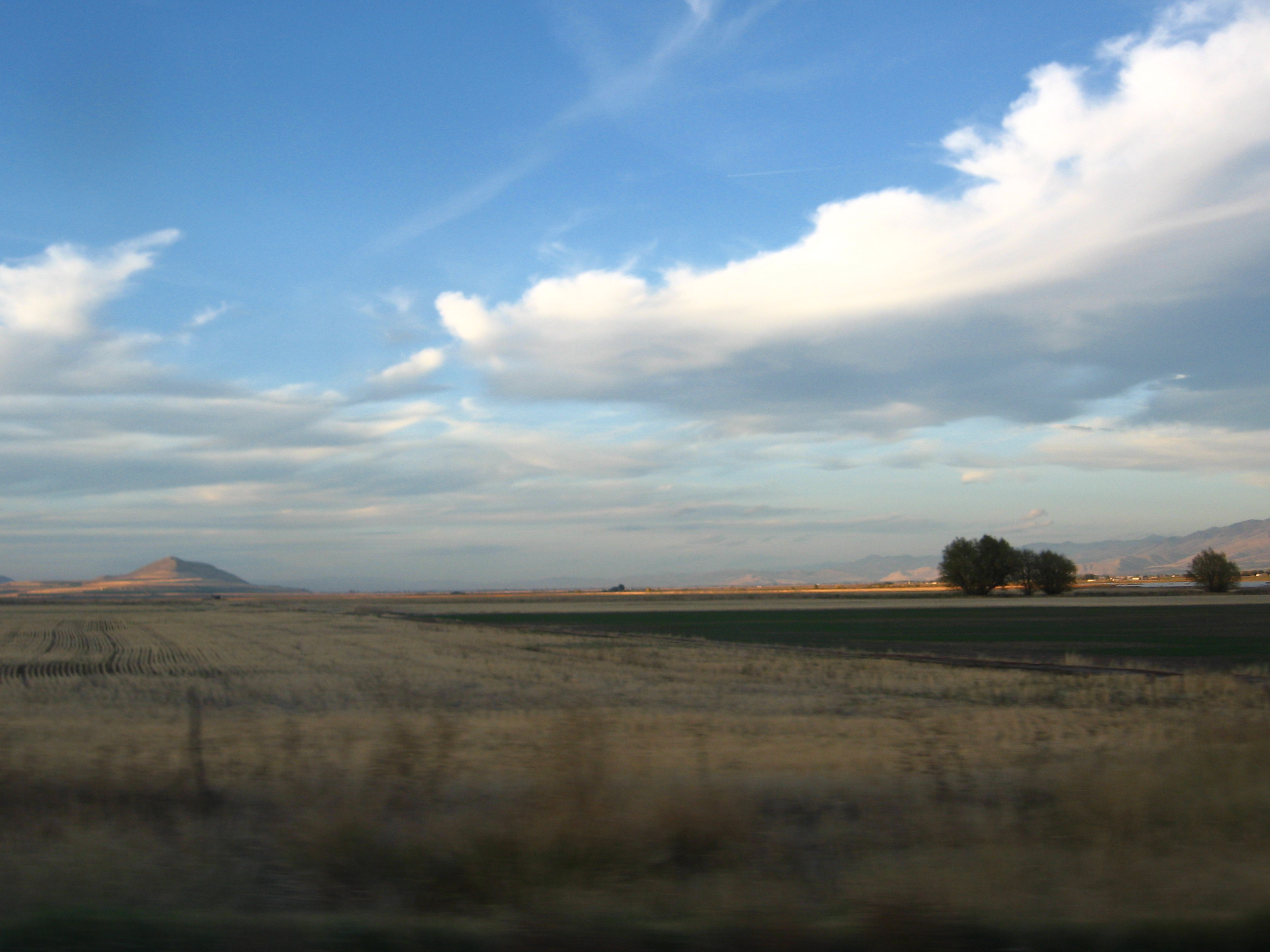
and proceeding towards Utah, which happened to be a scenic drive to rival all scenic drives.
Soon I was entering the part of Idaho known as “The Super Scenic Part That’s Even More Scenic Than the Previous Part.”
Soon after that, I was crossing over into the part of the U.S. known as “Mormonland.” On maps, however, it is called “Utah.”
“These scenic scenes are nice, although you probably photoshopped them all,” says Mr. Yerfulovit in his customary growl. “But you still haven’t answered my question.”
That question being…
“What’s in Logan?”
Well, I was originally intending to hit Salt Lake City, which is large and well-known. However, the only people to reply to me in SLC were busy or nonresponsive, and someone had contacted me from Logan, so that’s why I went there.
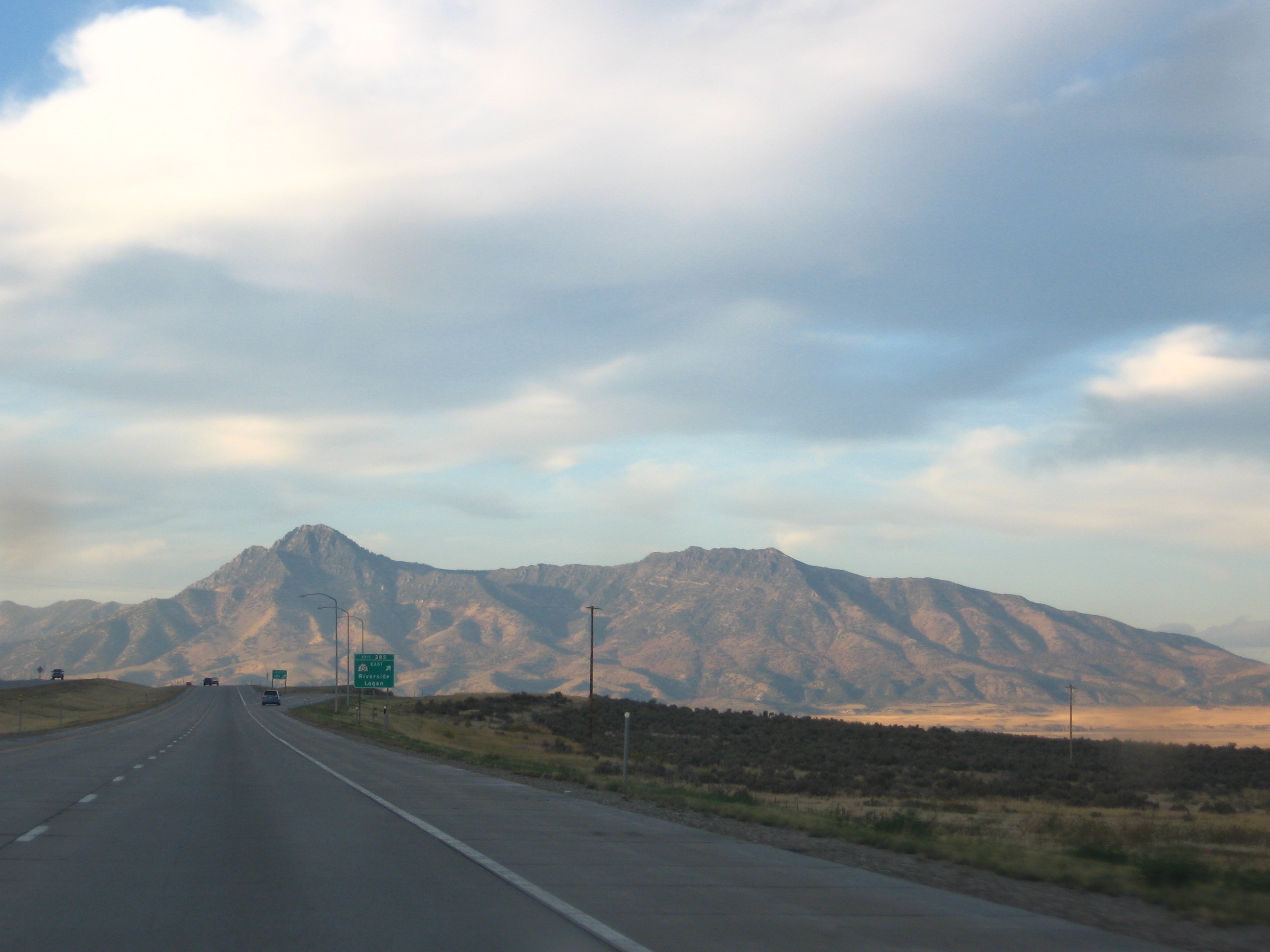
So, after entering Utah, I turned onto the highway headed down towards Logan,
whereupon I saw Logan stretched before me like a lion in the sun.
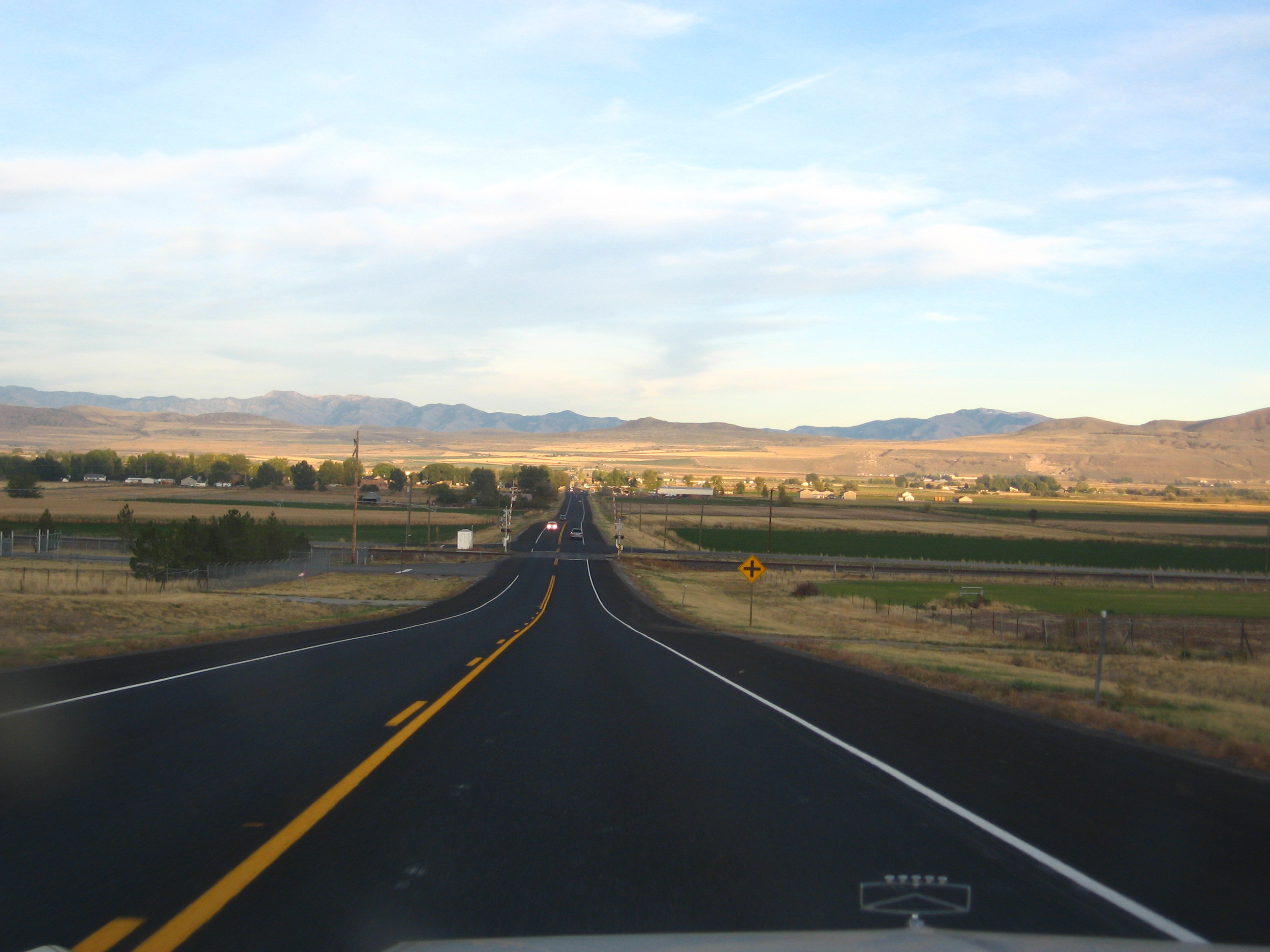
A short drive later,
I was in Logan, whereupon I met-
“What the deal, man?” interrupts the mob of teenagers. “Why you all usin’ that fancy English?”
Why you barely using English, homeslice?
“Whatevs, dawg.”
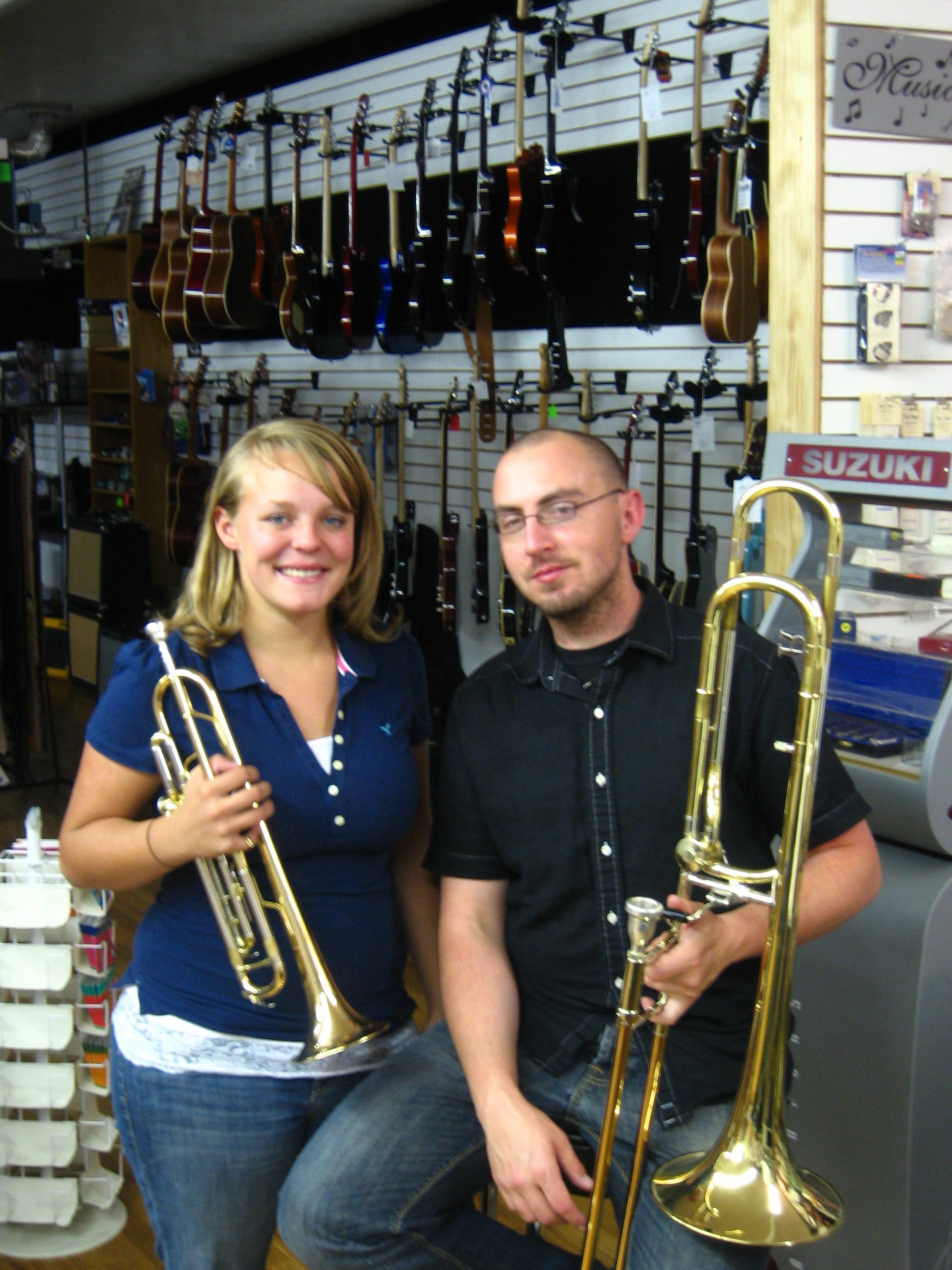
Anyway. In Logan, I met up with my contact and soon to be co-conspirator, Anthony Aronovici. He had contacted me on Couchsurfing, mentioning that he could play some trombone, worked at a music store, and might have some other musical connections I could record. Sounded like good business to me.
“That’s good business,” I said to myself at the time.
“Are you trying to coin new slang?” asks Attractive Girl, with that one-eyebrow-up look that she does.
Stop asking that! Every time you ask that you cast aspersions upon the authenticity of my neophrasology!
“Haha, good one,” she chuckles.
Thanks. So, back to Anthony. I met up with Anthony and several of the happening peeps he lives with, including Kaelee Jensen. Over the course of eating some delicious grilled cheese sandwiches, I explained the project in greater detail and discovered that a) Kaelee also plays the trumpet, and 2) Anthony is totally excited about teaching English in Korea. Anthony was motivated to finish up some classes which would enable him to do just that.
I, on the other hand, was motivated to record them both. So Anthony, Kaelee, and I headed over to the music store where Anthony works and laid down some fine, upstanding horn tracks.
You may question my use of “fine, upstanding” to describe horn tracks, but I assure you these tracks, if they were citizens, would be the type that recycles, votes, and writes their local paper. They did a great job.
They also hosted me for the night, and barring the unfortunate incident of a roommate’s early, recurring (and apparantly ineffectual) alarm, my stay with them was nothing short of awesome.
See you in Korea, Anthony! Hope you get over here soon.
NEXT: Either Fort Collins, CO or Carputer, Part II, depending on which gets done first.
The Carputer! (Part I: Assembly)
As promised long ago, I need to detail the process of building and installing the carputer, my faithful companion and aide for my bajillions of miles of driving.
Why a Carputer?
Besides the obvious reason that it’s friggin’ sweet, why install a carputer in a 1987 Ford? First of all, consider the fact that I was planning on spending who-knows-how-many-hours in said Ford on this project, driving all over the country. Then consider the fact that I would be driving to a lot of people’s homes that I had never been to before. I may also ocasionally have to find a way to access the internet to figure something out. Then consider the fact that all I had in my car for audio was a measly Clarion 12-disc CD changer powering Pioneer speakers. Ok, so that’s actually pretty nice, but still, I would listen all the way through the first batch of CDs in the first couple days of the Tour. And with the changer in the trunk, switching CDs isn’t something that can be done while driving.
Conclusion: a carputer is awesome (and approaching necessary for my Tour) because 1) GPS navigation, 2) as many mp3s as you can fit on your hard drive, 3) wireless internet, and 4) it’s friggin’ sweet.
So let’s talk about the carputer. I think that in order to effectively cover a process so involved, I’ll need to break it down into sections. Four ought to do it: Assembly, Software, Installation, and Audio. For today, Assembly.
Part 1: Building the Carputer Itself
The Plan
Where do you install a computer in a Crown Vic? Well, here’s my plan in a nutshell.
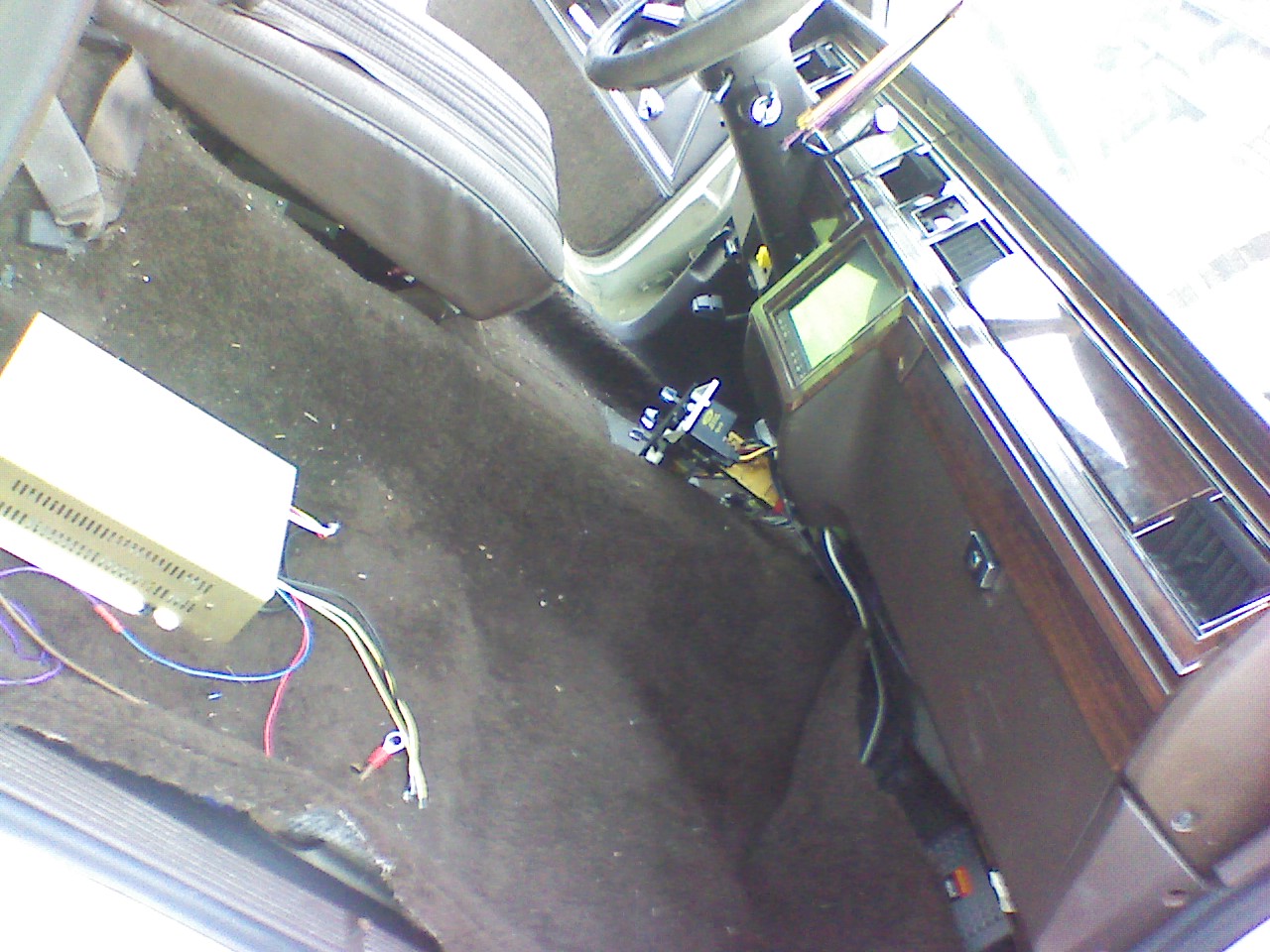
The computer itself would go under the passenger seat. It’s usually not a recommended location for electronics because of the potential for spills and tracked-in slush/junk, but the trunk is too far away to easily connect the keyboard and screen.
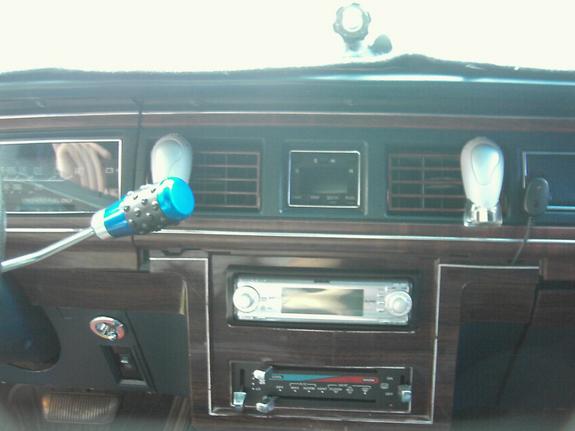
Speaking of the screen — the only actually visible component of the carputer — I thought that would fit nicely right in the middle of the dash. Let me give you a visual aid: a Crown Vic dashboard looks something like this:
That’s not from my Vic, because I forgot to get a picture of the dash prior to ripping it open. (Wait, I found one! Kinda. Here it is.)
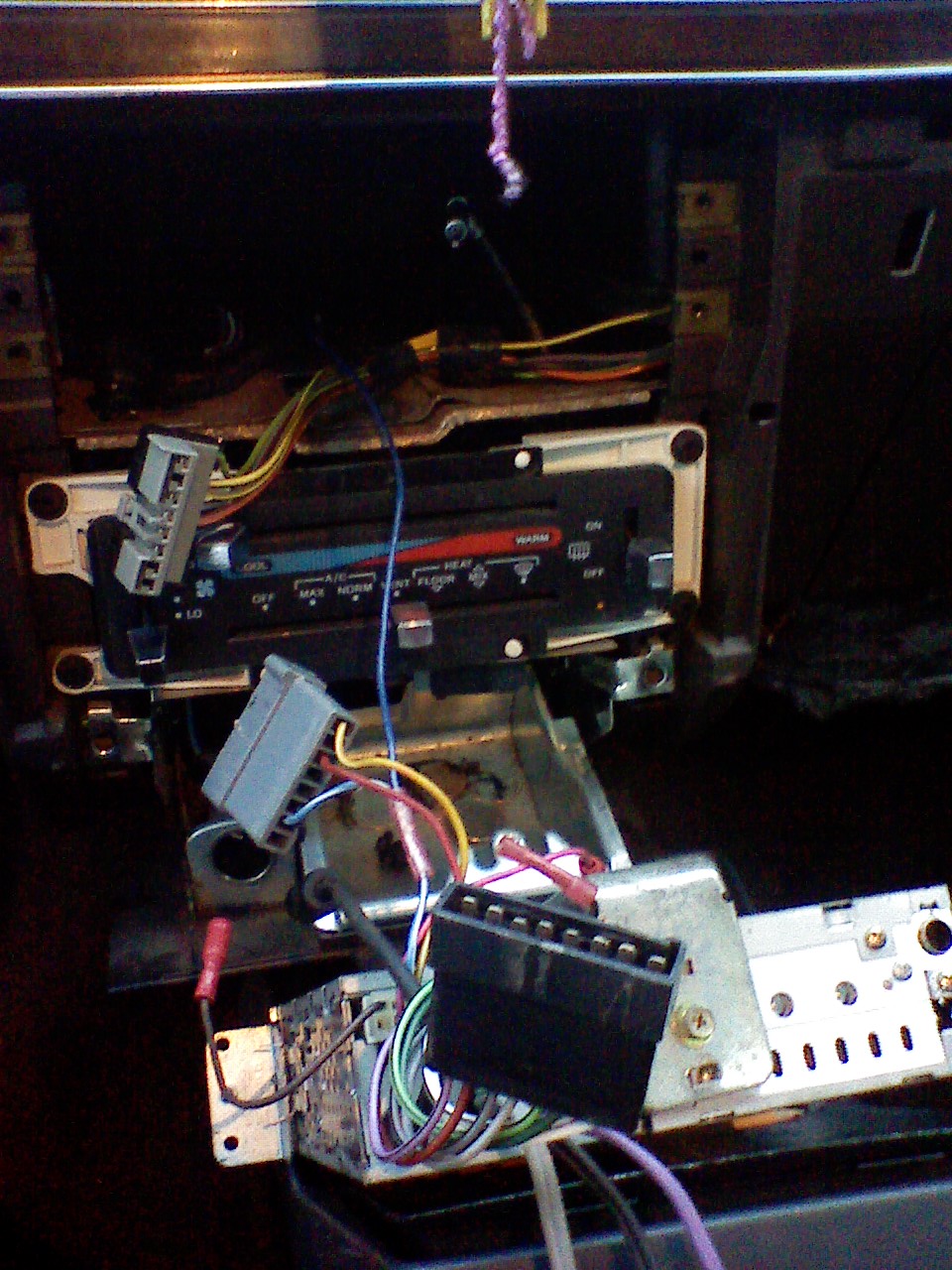
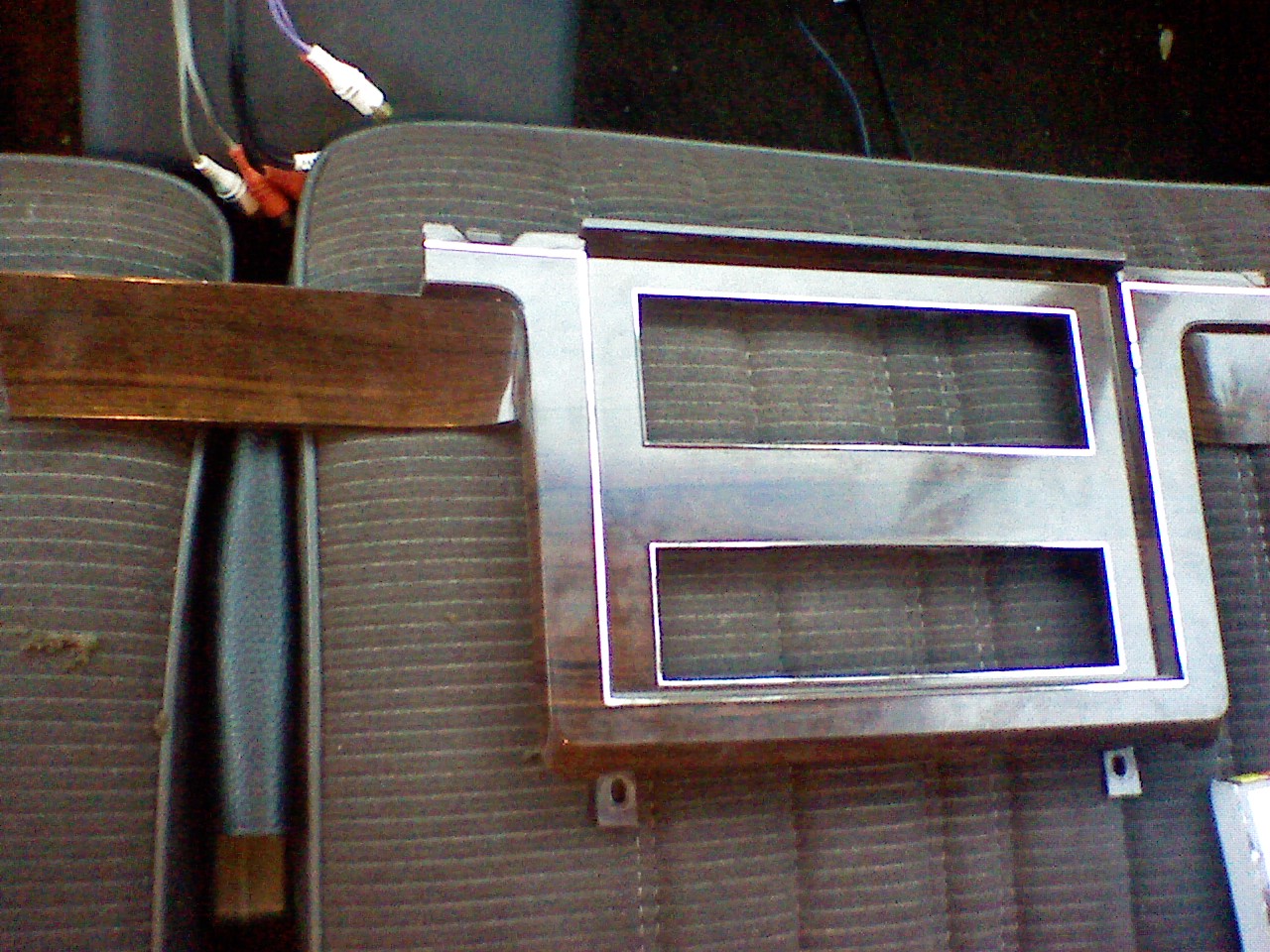
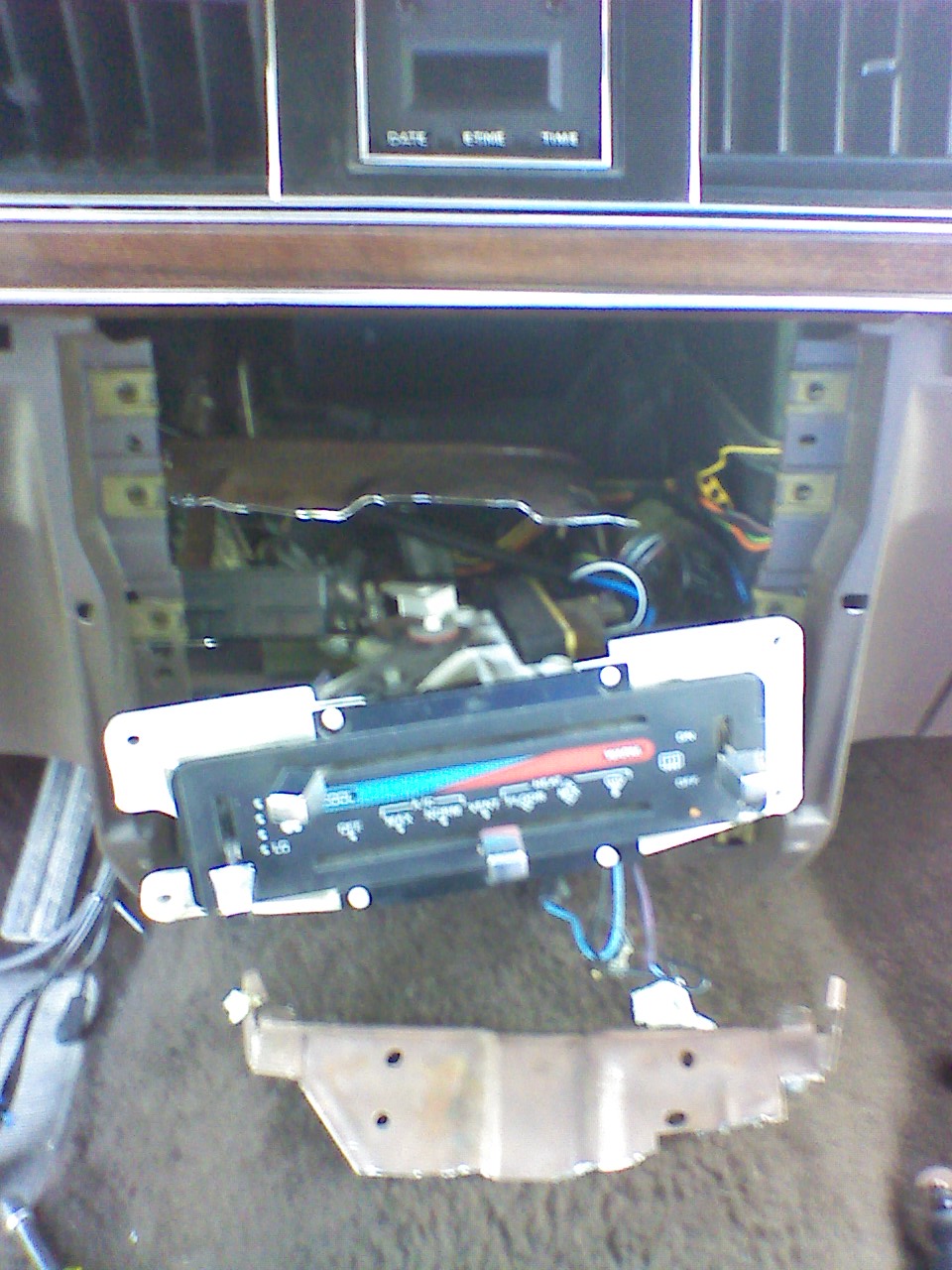
Anyway, you can see that there are two DIN slots there in the dash — the upper one for audio (there’s some crazy aftermarket head unit there in the above pic) and the lower for climate controls. It was my plan to remove my existing head unit, move the climate controls down lower, cut out the separator between the two, and use both slots combined for the 8″ touchscreen.
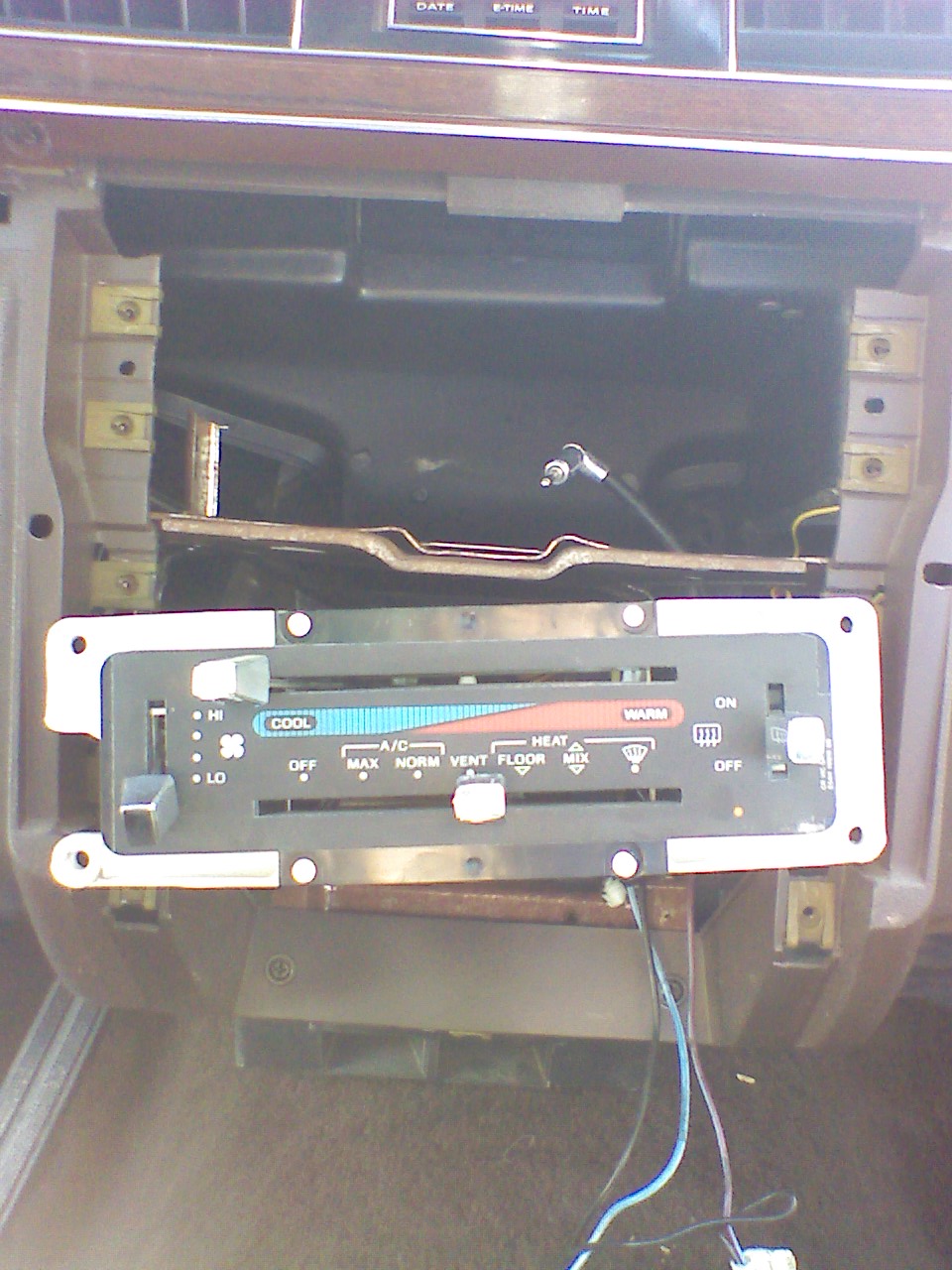
Power will run down the right side of the car (conveniently, the battery is on the right), with a small branch off for the carputer and continuing into the trunk to power the amp. Audio signal will leave the carputer and travel down the left side of the car (it’s not good to wire audio and power close together) to the amp. Speakers will be mounted in semi-stock locations.
Choosing The Hardware
After a lot of research and lurking on highly informative forums like mp3car.com, I had decided on a few things I wanted for sure. I didn’t want some old desktop computer case strapped down somewhere in my car. I wanted something sexy. I also did not want to get a power inverter to convert my car’s DC power to AC, just so it could get converted back to DC by the computer’s power supply — what a waste. That meant a DC-DC power supply, and at the time the talk around the web was that the best of these was the Opus.
Much more poking around later, and I had found the package I wanted: the Opus 70.

Not only was it made by one of the most respected names in carputing, it came with the exact motherboard and power supply I had decided on, and had a nifty custom aluminum case. Plus other very useful options were available like extra power out for running power to a screen, an adaptor enabling me to connect a laptop hard drive to the motherboard’s IDE connector, RCA audio out, and additional USB connectors.
The Breakdown

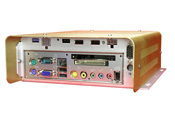
Enclosure: The Opus 70 system comes in a sleek brushed aluminum case. It’s a very simple design, vented on the sides, with a single fan in the back to draw air. It fits under my passenger seat with plenty of room to spare. It’s remarkably space-efficient, too, with the motherboard attaching to the bottom and the power supply and hard drive attaching to the top.

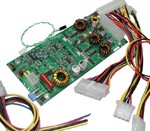
Mainboard: The Via EPIA MII12000G is tiny, able to generate very little heat and consume very little power, and has a host of connectors, including slots for PCMCIA and CompactFlash cards. It also has additional onboard connectors for expanding your options with additional USB or audio connections, which the Opus 70 takes advantage of.

Power Supply: The reason I even found the Opus website to begin with was because of their reputation as making the best DC-DC power supplies for carputers around. The system I got came with a DCX3-120-H, which is to say, a 120-watt power supply with a host of features, the most important being configurable intelligent switching for automatically turning the carputer on/off with ignition, and protection to prevent damaging or rebooting the system during engine cranking (when voltage to the rest of the car drops considerably).

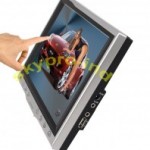
Touchscreen: In my eBay searches I came across a reseller selling SkyPro DL-800’s, which are cheap 8″ TFT/LCD touchscreens made in Hong Kong, yet with seemingly superior features (higher native resolution, markedly brighter) to the most commonly-used touchscreens I read about in my research (namely, those by Lilliput and Xenarc). I felt a bit nervous about this particular decision, but my worries ended up being needless.

Hard Drive: I had been waiting and waiting for laptop hard drives to be available in sizes larger than 160GB, because I just knew the instant I got the 160GB drive they would release the 200+ giggers. At the time I was researching components, perpendicular recording technology for laptop drives was just hitting the consumer market, and the drives were still pretty pricey. Thankfully, that was before I went to Korea for my first year of teaching over there, and by the time I came back to the US in the spring of 2008, prices were more reasonable and — AND — there was a Seagate Momentus laptop drive available in 250GB, which I promptly ordered from Newegg. (I only buy Seagate hard drives. WD always offers the best price per GB, but after my second WD drive failed — exactly one week after the warranty expired — I switched to Seagate and haven’t looked back.)

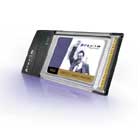
Wireless Internet Solution: The problem with most peripheral options for wireless solutions is that when they are placed in the trunk of a car, or under a car seat, which happens to be where a lot of carputers reside, they don’t get good reception for some reason… Certain PCMCIA wireless cards, however, have a connector for an external antenna, and the standard carputing wireless solution seemed to be the Orinoco Gold PCMCIA wireless card (which I believe is now sold by Proxim) with an external antenna of some kind. So I eBayed such a card, along with such an antenna. A PCMCIA slot for this purpose is part of the reason I chose Epia’s MII motherboard.

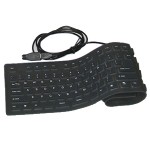
Keyboard: I love full-size keyboards, because as a programmer I use the numpad all the time for navigation. Problem: most of the time the keyboard would be tucked away under the seat, so the keyboard can’t be a big long unyielding rectangle. It should also be water-resistant if not waterproof. Solution: the flexible rubber keyboard! It can actually sit on the floor between the seats, contouring itself to the driveshaft lump. I also picked this up on Newegg for a very reasonable price.

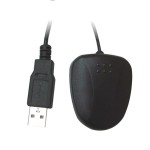
GPS Receiver: I eBayed myself a USB GPS receiver. I don’t remember the brand, but it had specifications that seemed to be equal to the tasks I expected of it. I wanted this to go on the back deck, which meant I also had to get a USB extension cable for it, which I didn’t get until Minneapolis (it was just sitting on my dash until then, with an unsightly cable dangling around). Buying cables from Best Buy is expensive!

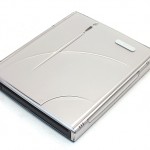
CD/DVD Drive: The computer doesn’t have room inside it for an optical drive, so I had to get an external one. Problem: I only have one USB port to spare, and most external DVD drives require two — one for signal and one for extra power. The solution I found was a handy-dandy enclosure from Meritline featuring a rechargeable lithium-ion battery. The battery supplies whatever power is additionally needed, and recharges from the single USB connection whenever the drive is idle. I bought it with a Sony CD+-R/DVD+-R laptop drive pre-installed, thinking I was getting a slot-loading drive (awesome for carputers) but instead getting a regular tray-loading drive (not so awesome). If I planned on using the drive for much besides installing software and occasionally ripping audio CDs, I could have probably made a stink and gotten it swapped back, but I am not stinky.

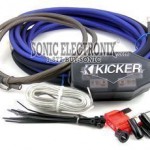
After getting all of those essential components, there were just a few things left, mostly consisting of wires and tools and extensions for things. I visited Stereo West, the local car audio mecca, to get advice on wiring and choosing an amp/speakers (which you’ll hear about later). They talked me through wiring options and gave me some good recommendations. I picked up an 8-gauge Kicker wiring kit while I was there. They were nice and threw in a handful of random wires from around the shop for me too, saving me an additional trip to the hardware store.
The Testing Facility, a.k.a. “Dining Room Table”
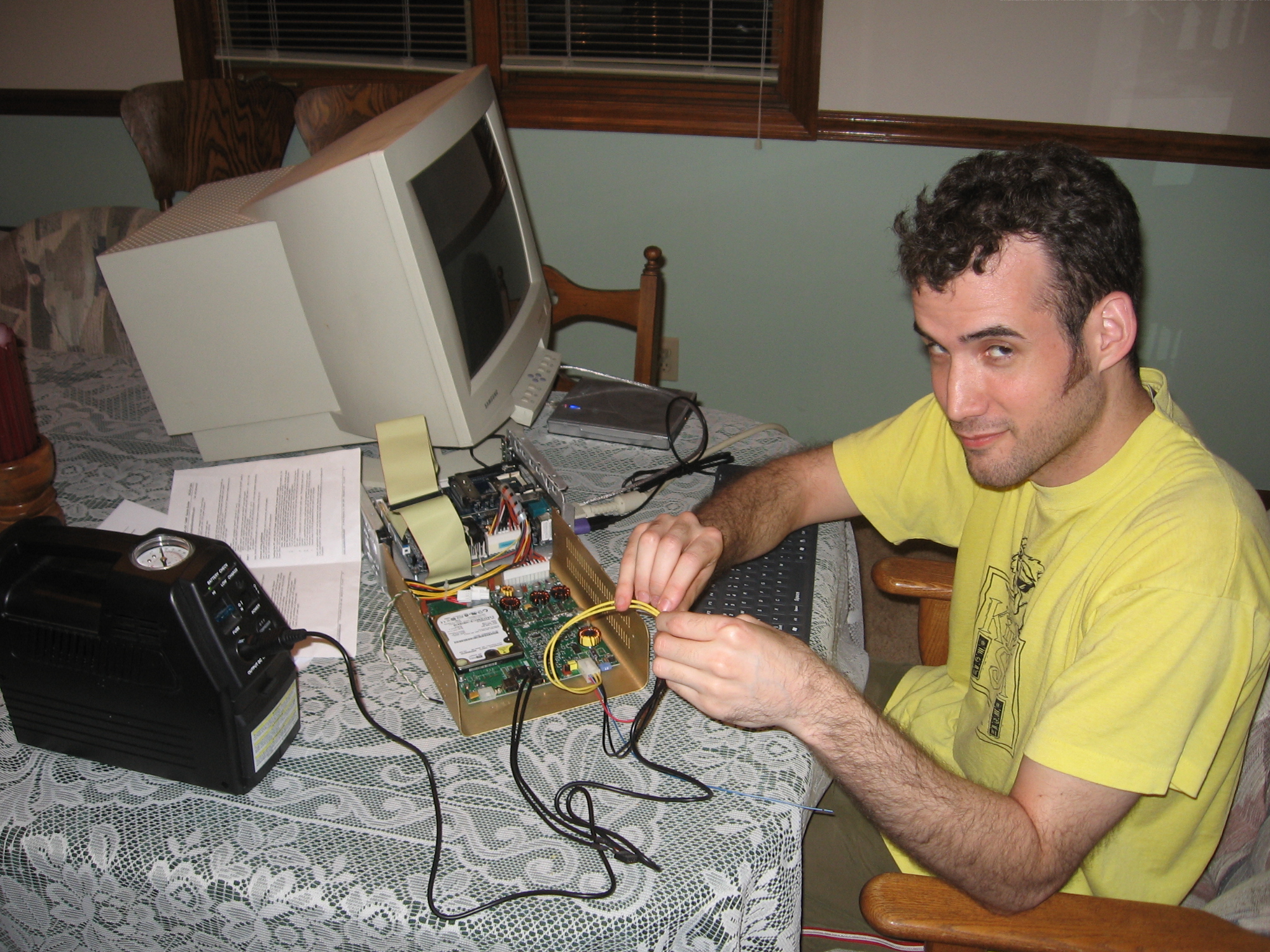
Once I had all the parts, it was time to see how the parts played together. I connected the essential parts together, borrowed a 12v battery and a monitor from my dad (normally used to help jump-start cars), and held the Opus’ power wires to the appropriate places on the power plug, which was a bit tricky.
Once I figured out which lines all needed power, the computer whirred to life, and I was able to start installing software.
Part 2 (up later): Software.
Previous Articles
Hit the Road, Me!
Welcome to the official site detailing my incredible adventures traveling the US to record music with everyone! Note: There's still a chance you can get on my CD if you have your own recording equipment! Just let me know what you do and we'll see if we can work something out.


What the Peeps Say